
In this guide, you will learn how to connect your BRP environment to PLAYipp and make your BRP events available as a content source. Once the integration is in place, you can easily add an event widget to your screens to keep employees informed about upcoming activities and changes.
- In PLAYipp, navigate to Integrations and click on the BRP integration.
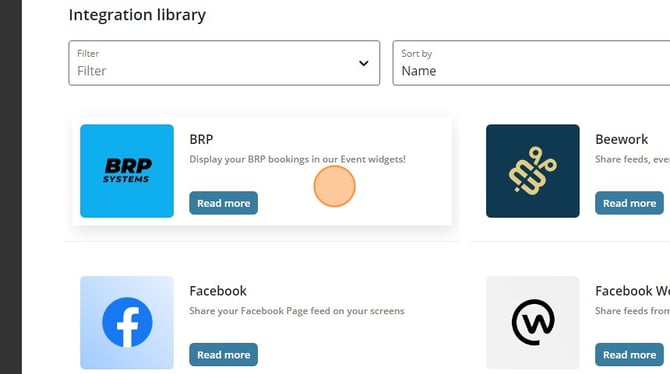
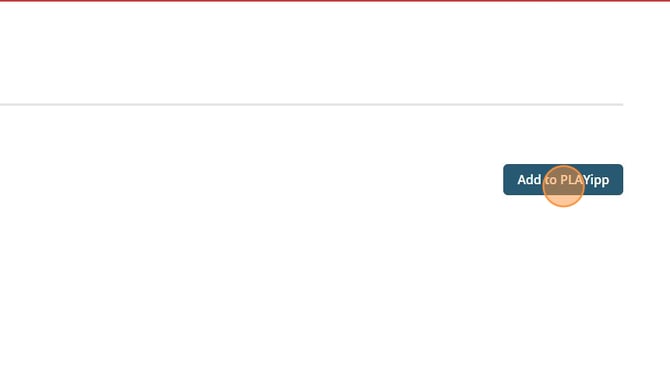
- Click Add to PLAYipp to start connecting BRP to your account.
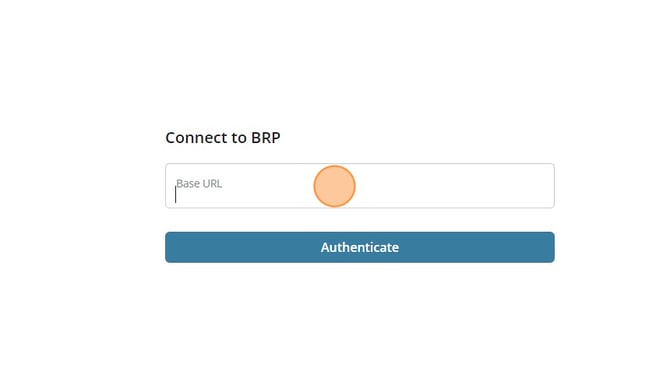
- Enter the URL to your BRP environment in the field provided, making sure it matches the address you use to access BRP.
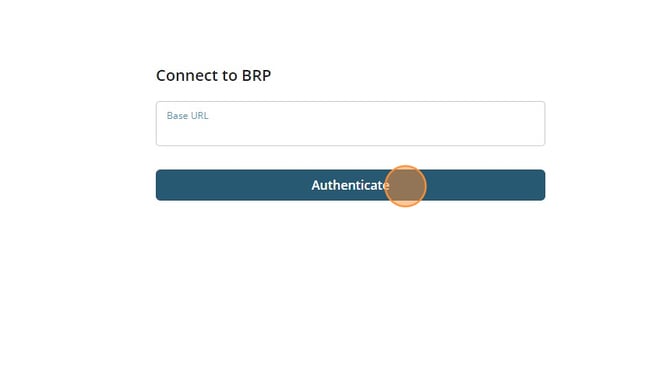
- Click Authenticate to connect. Follow any login or confirmation steps required by BRP until the connection is confirmed.
- Go to Active integrations in PLAYipp.
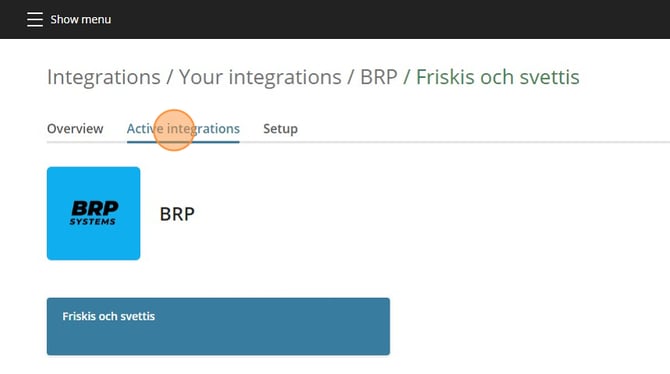
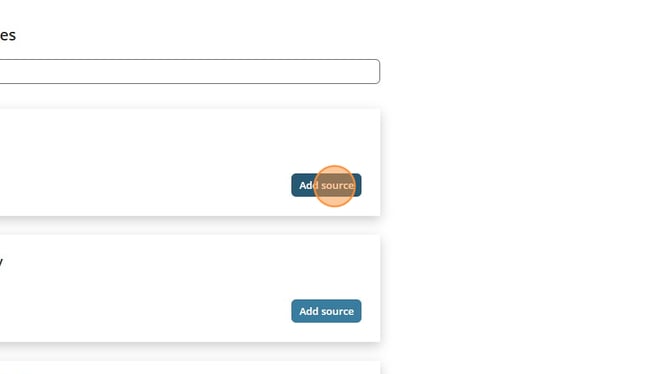
- Locate the BRP source you want to show on your screens and click Add source. This makes the data available to use in your content.
- Add an event widget to the playlist or screen where you want your BRP events to appear, Follow this guide How to add an event widget