
In PLAYipp, addresses appear in the geographic screen structure using their actual street address. By adding an alias, you can replace the address with a custom name, such as "Head Office" or "South Warehouse", making it easier to recognize and manage your locations.
Table of contents
What is an address alias?
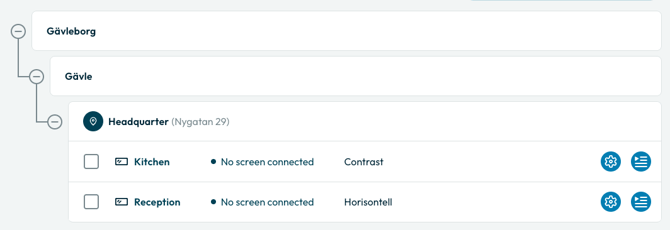
An alias is a custom display name for an address. It only affects how the address appears in PLAYipp and does not change the actual address linked to your screens. The original street address is shown in parentheses after the alias so you can always see the underlying address.
What it looks like
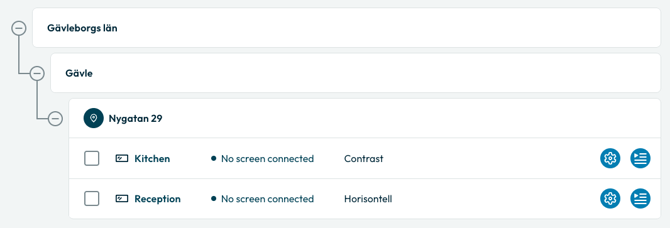
Without an alias, only the street address is shown:
With an alias, the custom name is shown with the street address in parentheses:
How to set an alias
- Go to Screens in PLAYipp.
- Locate the address you want to rename in the geographic screen structure.
- Hover over the address row to reveal the Edit button.
- Click Edit.
- Enter your desired alias in the alias field.
- Save the change.
The address will now display with the alias as its name in the screen structure.