
Here is a step-by-step guide on how to add and authenticate a Visbook connection in PLAYipp. By completing these steps, you ensure that your booking information is securely transferred from Visbook and displayed in real time on your digital signage, so guests and staff always see up-to-date room and resource availability.
- Click Visbook Bookings
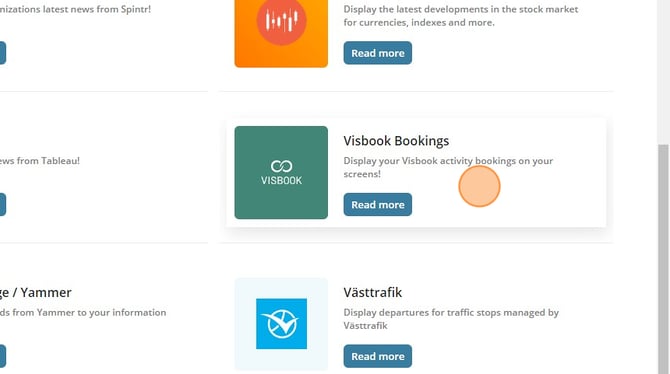
- Click Add to PLAYipp

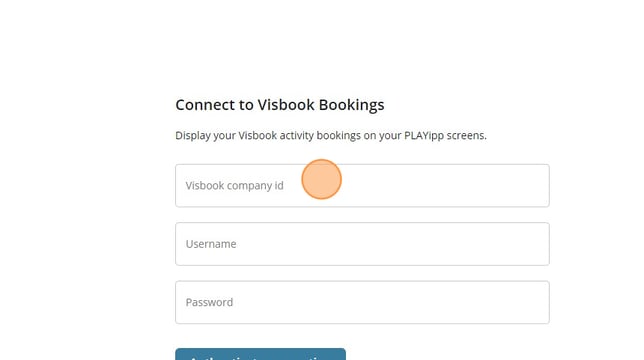
- Fill in your login credentials You should find the Visbook company ID in Visbook (if you cant find your ID please contact the Visbook support).
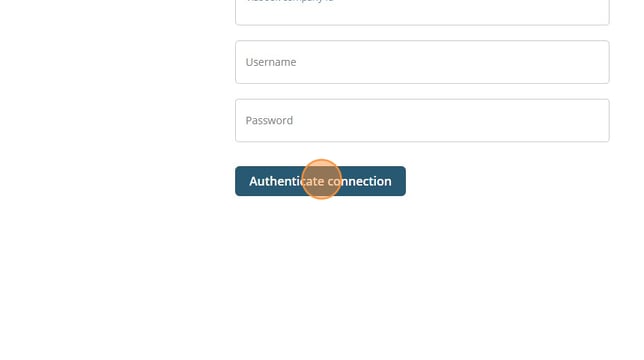
- Click on authenticate connection
- Add widget in publish
Follow this link to Add widget to publish.