
In PLAYipp, you can add both administrators and standard users. As an administrator, you control what each user can and cannot do in the system, ensuring the right level of access for every role. This article explains how to add new users. If you want detailed guidance on how to manage and adjust user permissions, please see: Manage user rights.
To add users, follow these steps
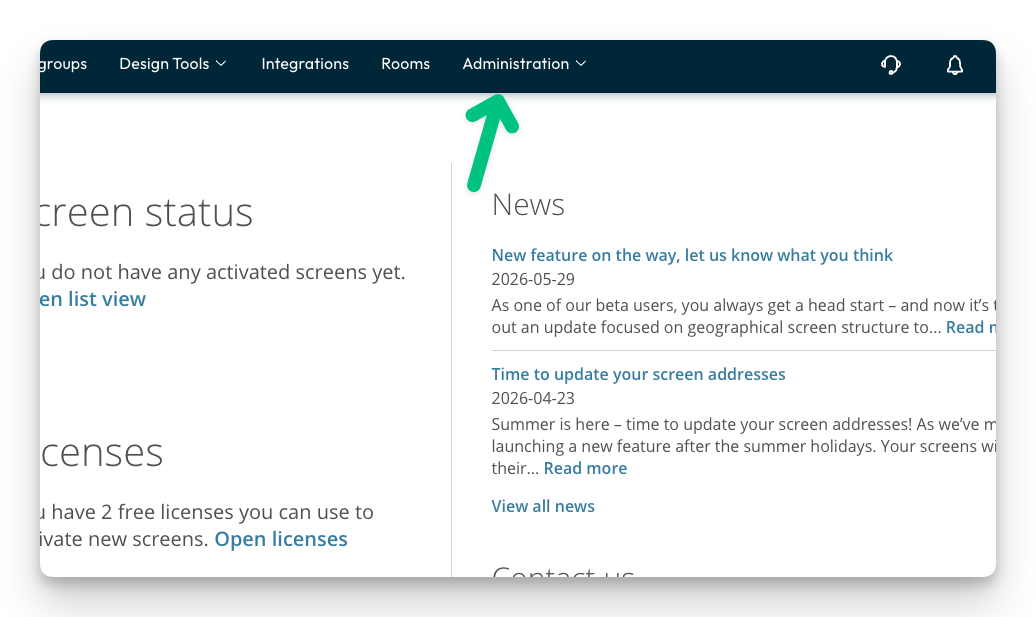
- Click Administration
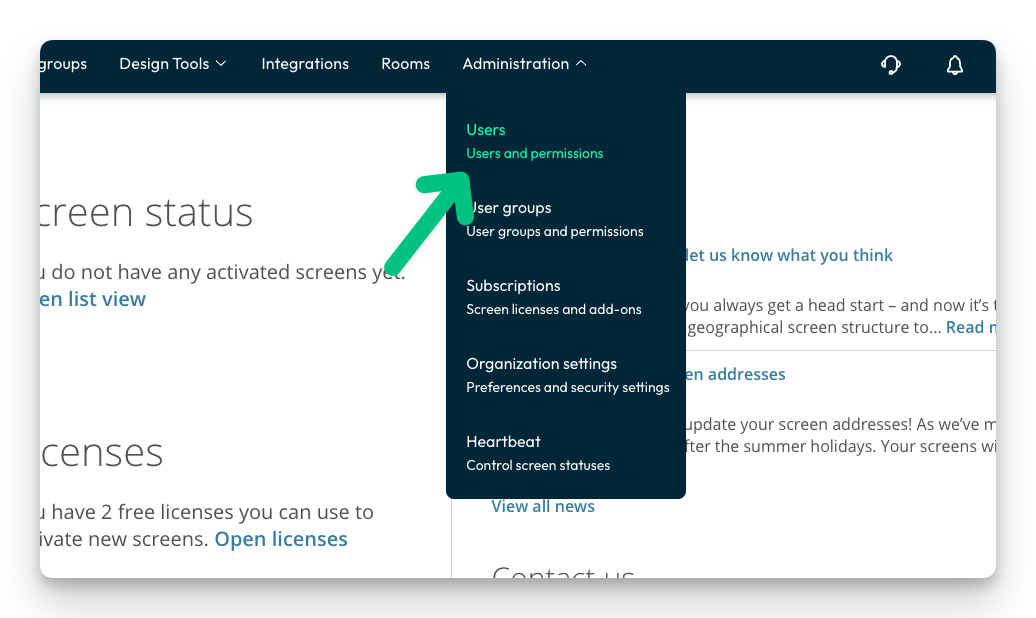
- Click on users
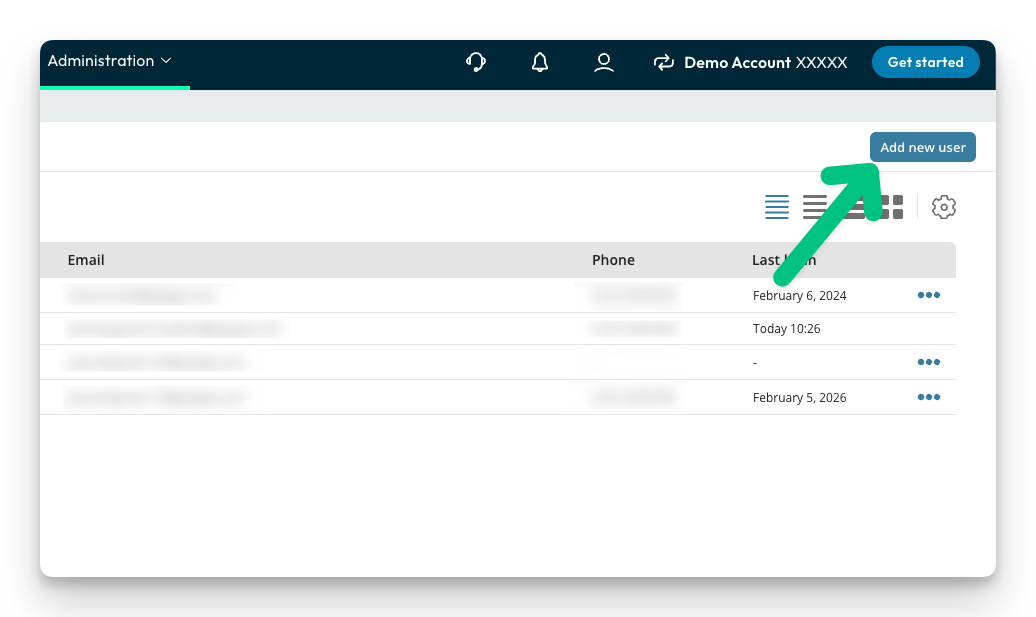
- Click on "add new user"
- Fill in the user's first name, last name, email and phone number.
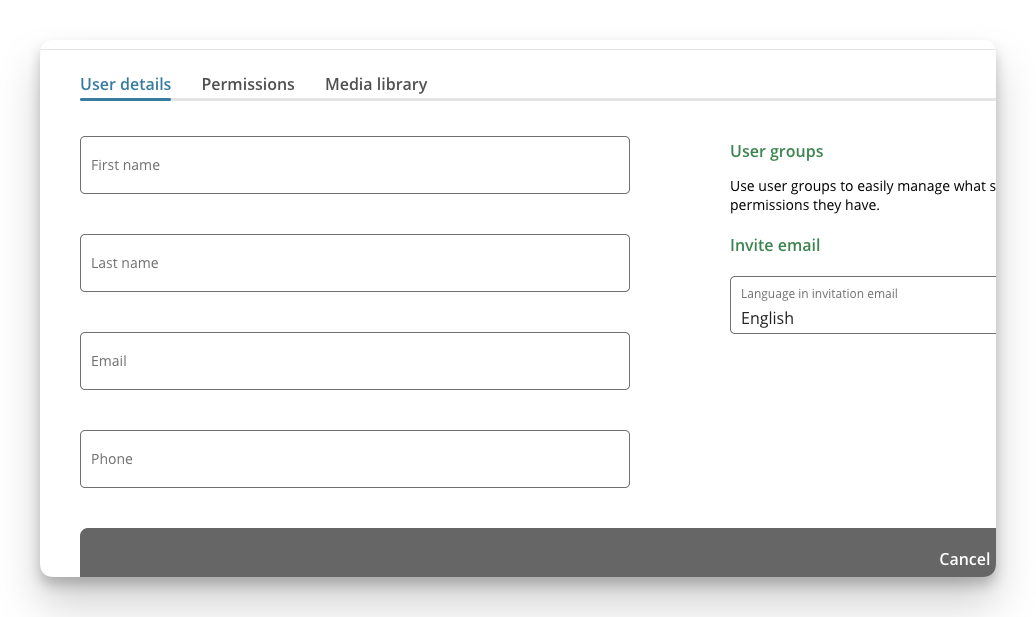
- Now can now set which rights the user should have. (You can also change this afterwards.)
Read more about how to set rights here: Manage user rights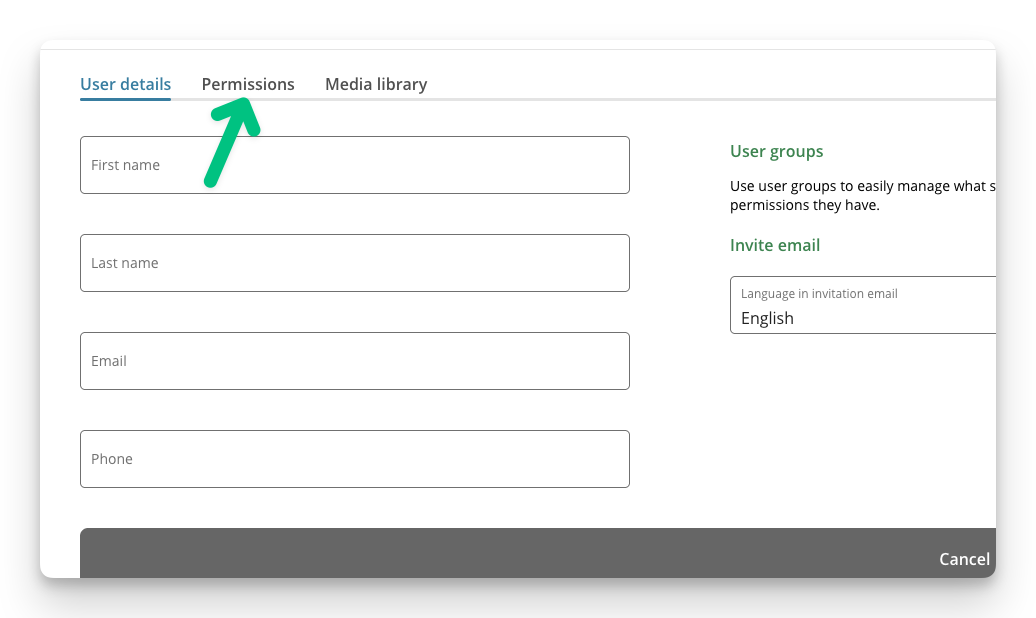
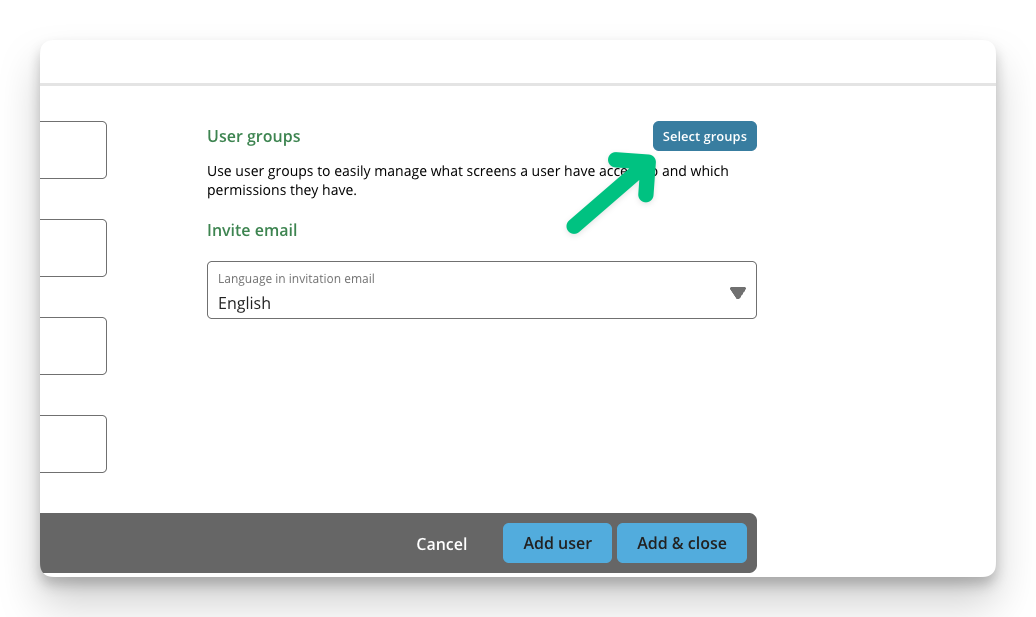
- If you want the user to be included in a user group, do this: (you can also set this afterwards)
- When you are done with your user, click Add and save
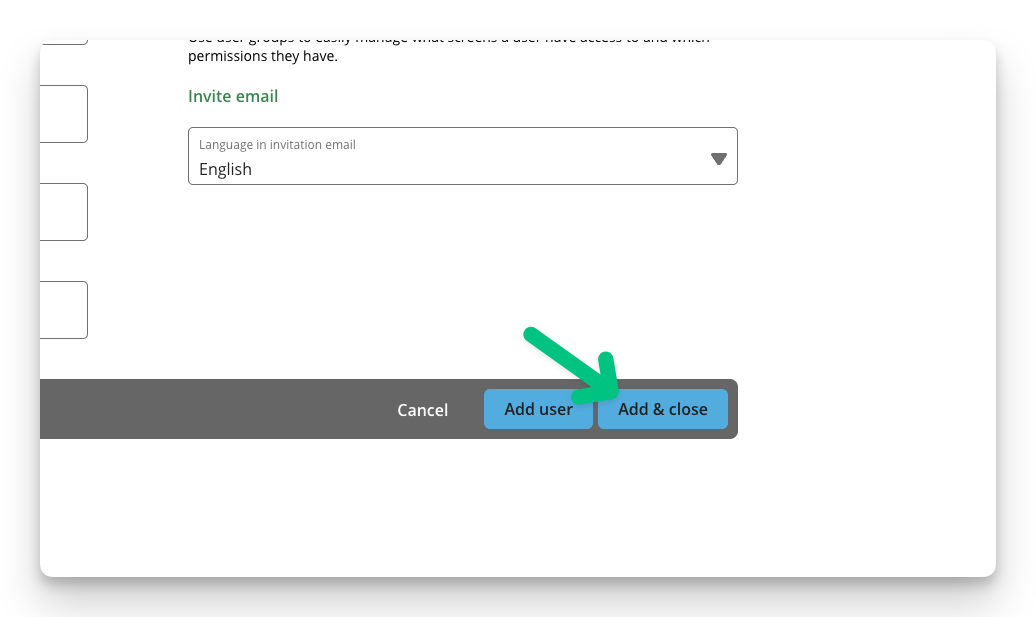
- The user will now receive an email to their email with an invitation and instructions to log in to their account.