
This guide explains how to check the resolution of an area on your screen layout to ensure your content fits correctly.
Understanding Area Resolution
For optimal results, adapt your content to match the exact resolution of the area before uploading. Area dimensions are measured in pixels. DPI (dots per inch) does not affect digital signage displays.
Steps
Note: The images in this guide show an older version of PLAYipp with the previous main menu. Read more about the new main menu in this article.
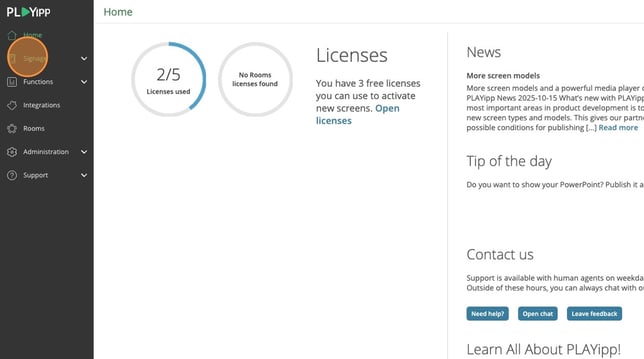
- Navigate to Signage in the main menu
- Find the screen and click on its name.
This can be done in both the tree view and list view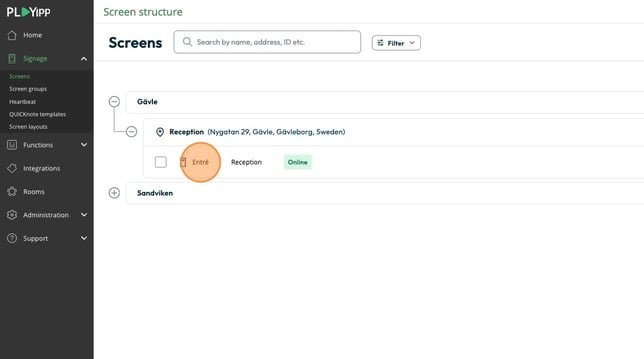
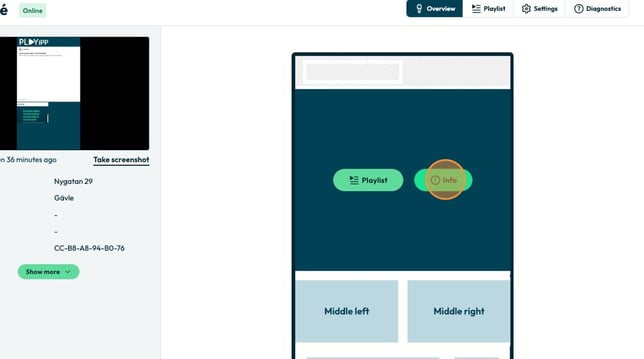
- Click in the info button on the area.
- View the area dimensions displayed as width × height in pixels
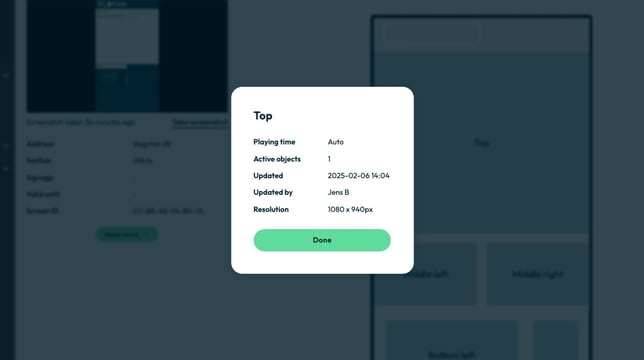
Example: If the area shows 1080 × 940, create or resize your content to exactly those dimensions for the best display quality.