If you want to move an item from one playlist to another, there is a dedicated function for this. With this function, you can both copy and move content between the same area on different screens or to different areas on the same screen.
Here’s how to do it:
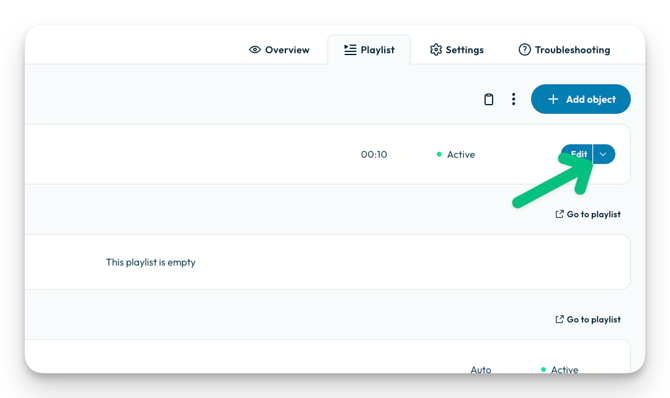
- Click on arrow down button next to the item you want to copy
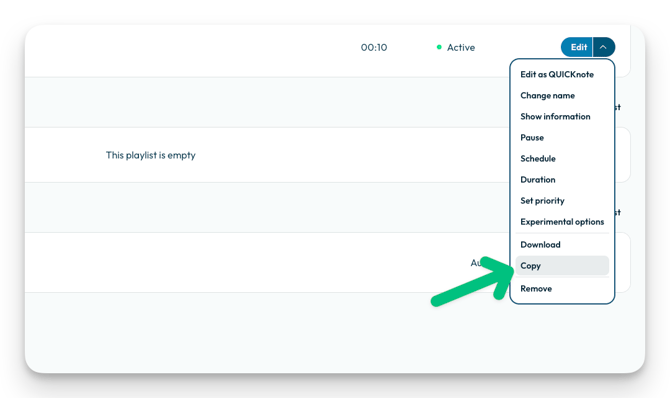
- Select Copy
- Navigate to the screen/area where you want to paste the item
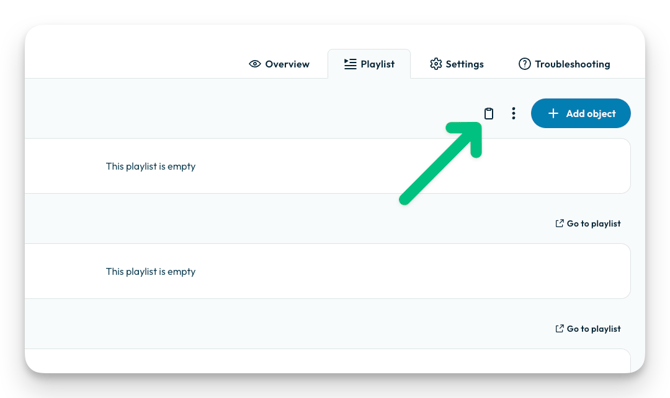
- Click the clipboard button
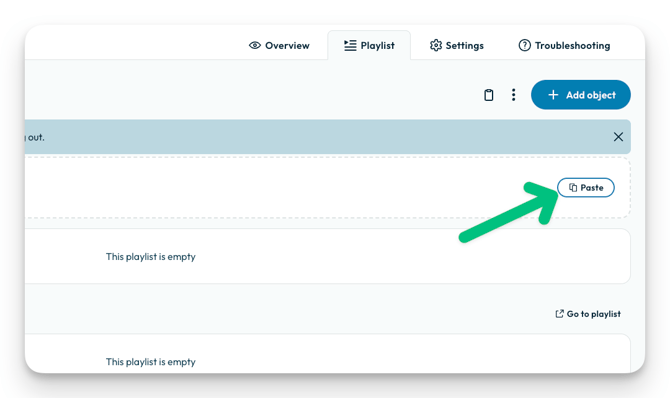
- Click paste