
When you delete files in PLAYipp, they're moved to the trash where they continue to occupy storage space. To permanently remove these files and free up space, you need to empty the trash. This guide shows you how to empty the trash and reclaim storage space in your account.
Empty the trash by following these steps:
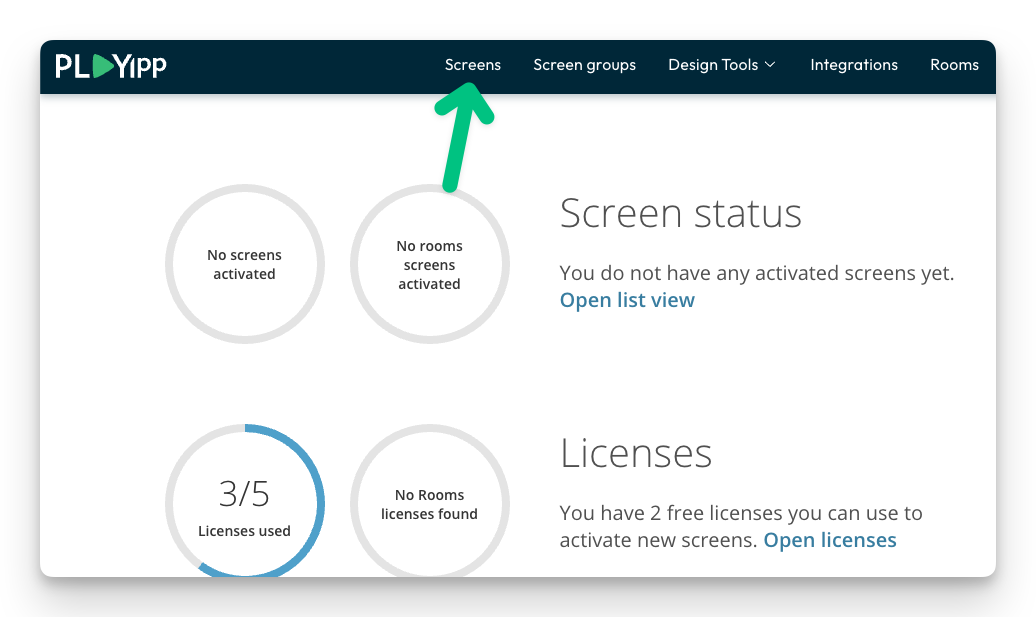
- Click Screens
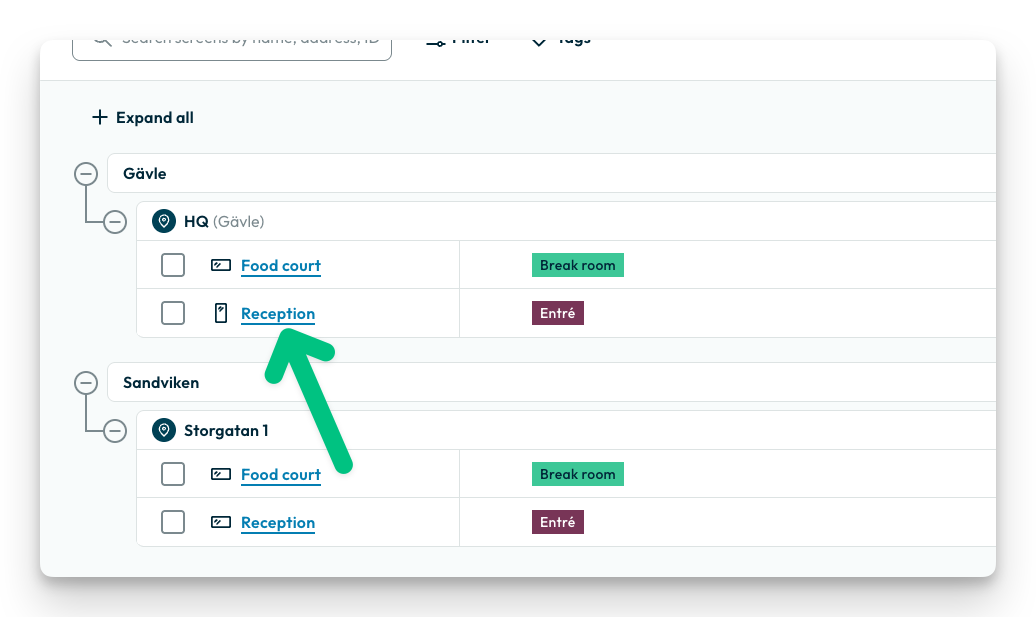
- Navigate to any screen – it doesn't matter which one you choose.
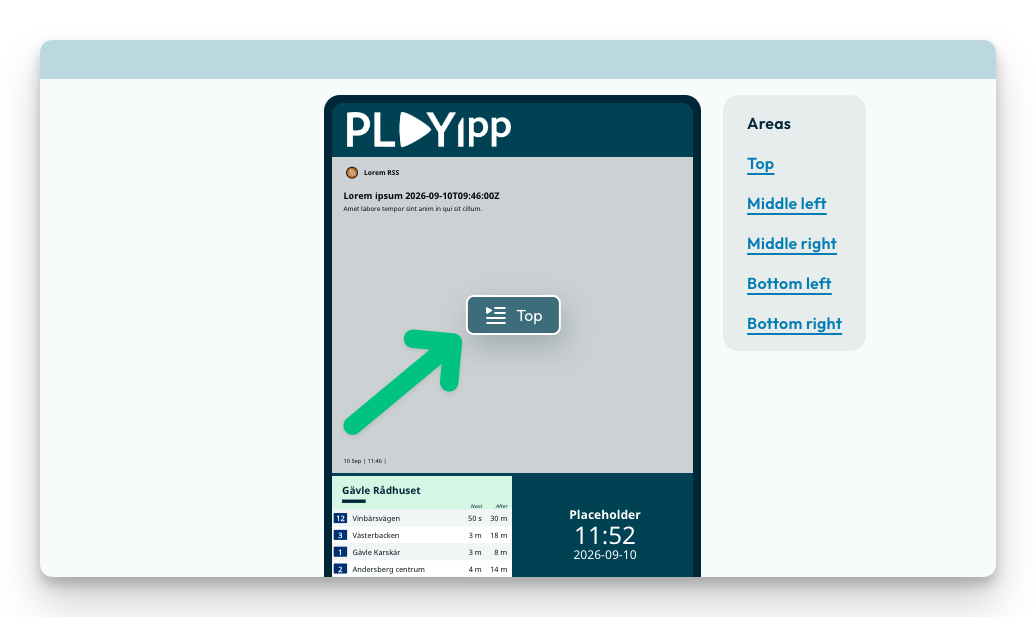
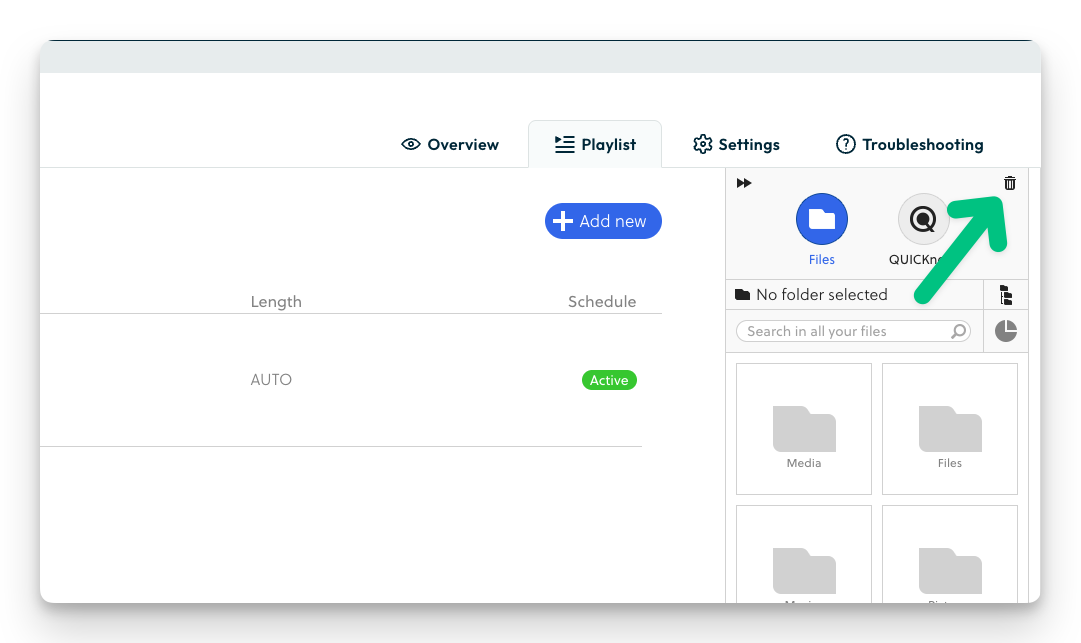
- Click on the playlist icon
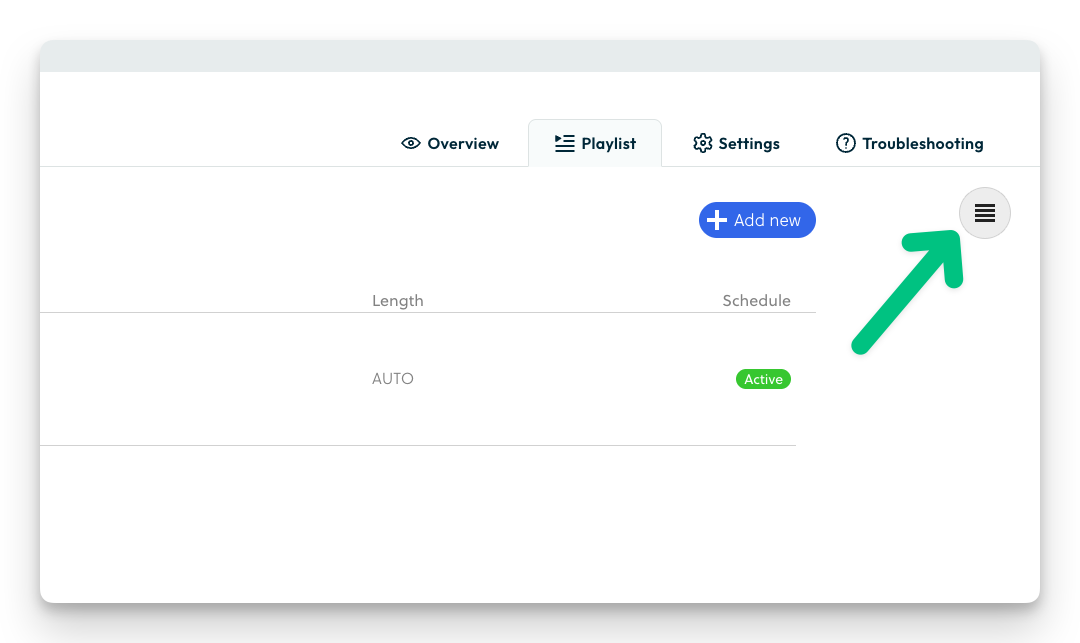
- Click on the media library icon
- Click on the trash bin icon
- Click on "remove all files in trash"
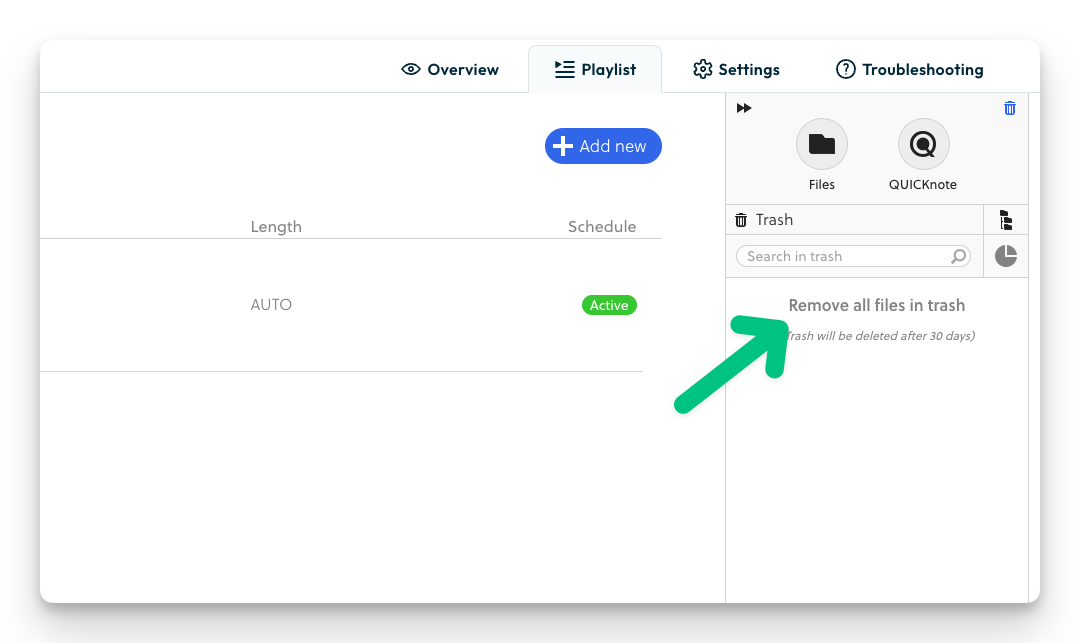
Done! The trash is now empty and storage space has been freed up.