Sometimes you may need help from us at PLAYipp or one of our partners. In order for us to access your account, you must go in and activate support access to your account. Without this, we cannot access your account. To activate this, follow these steps:
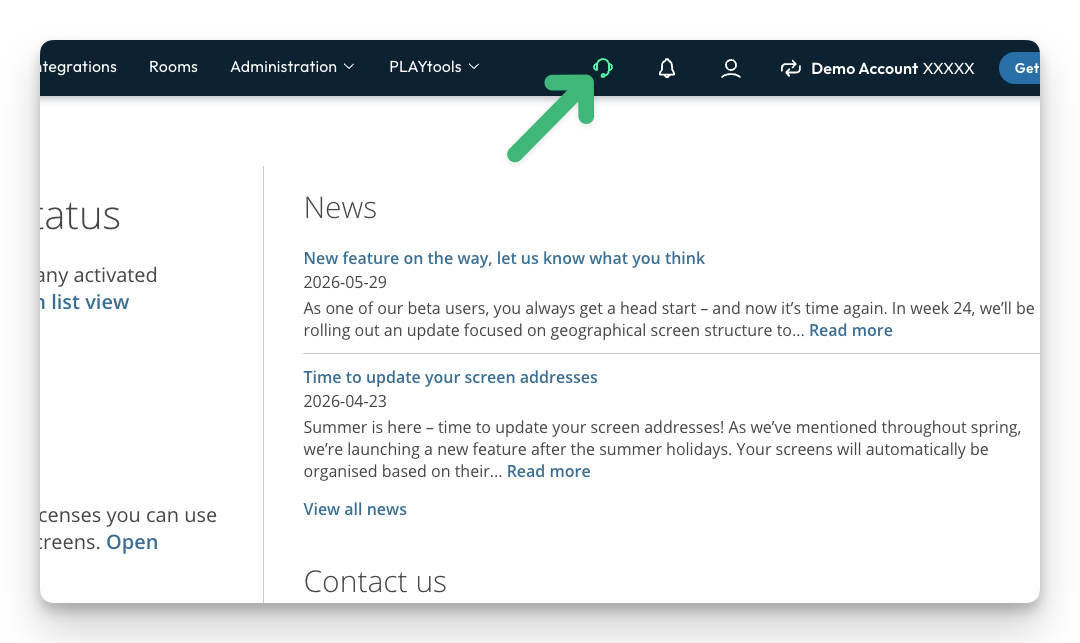
- Click in the support icon
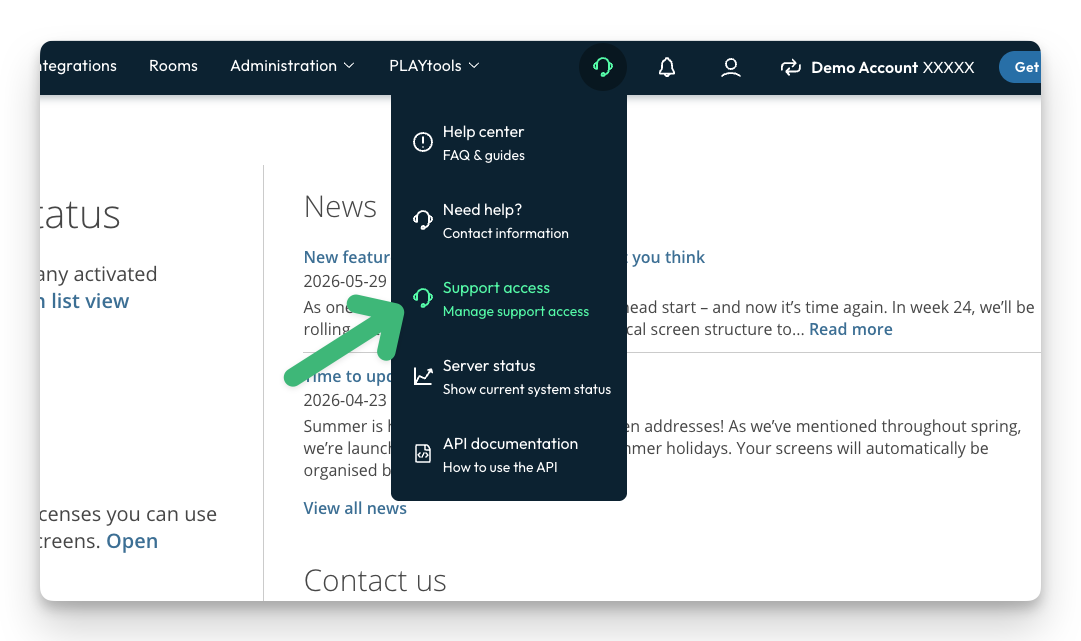
- Click Support access
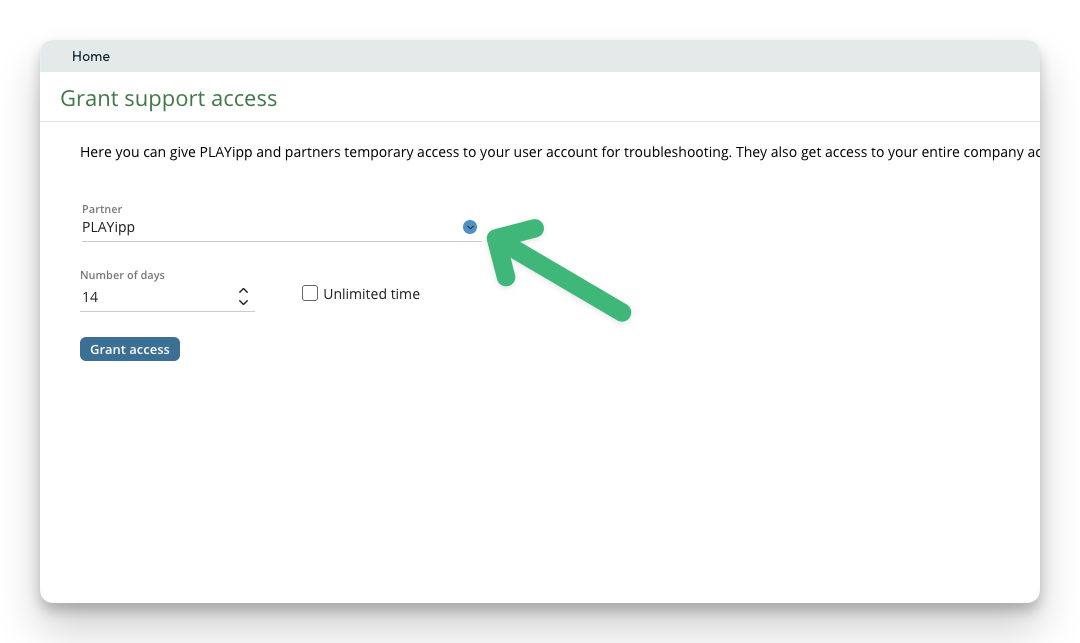
- Here you can choose whether to open up to PLAYipp or one of our partners who are connected to your account
- By default it is 14 days, but you can increase this time or set unlimited time
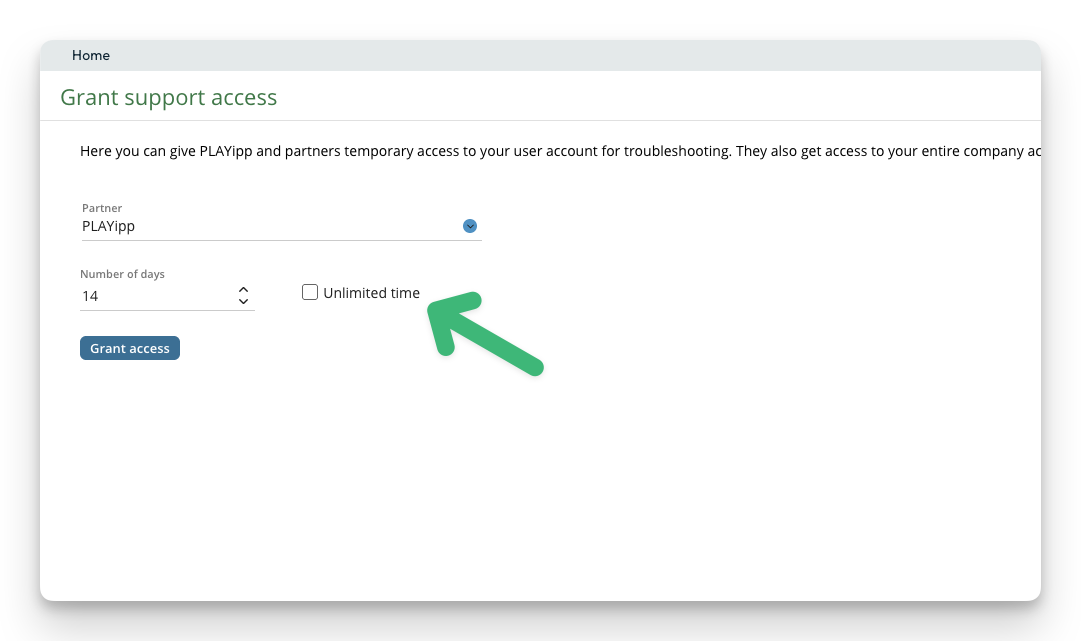
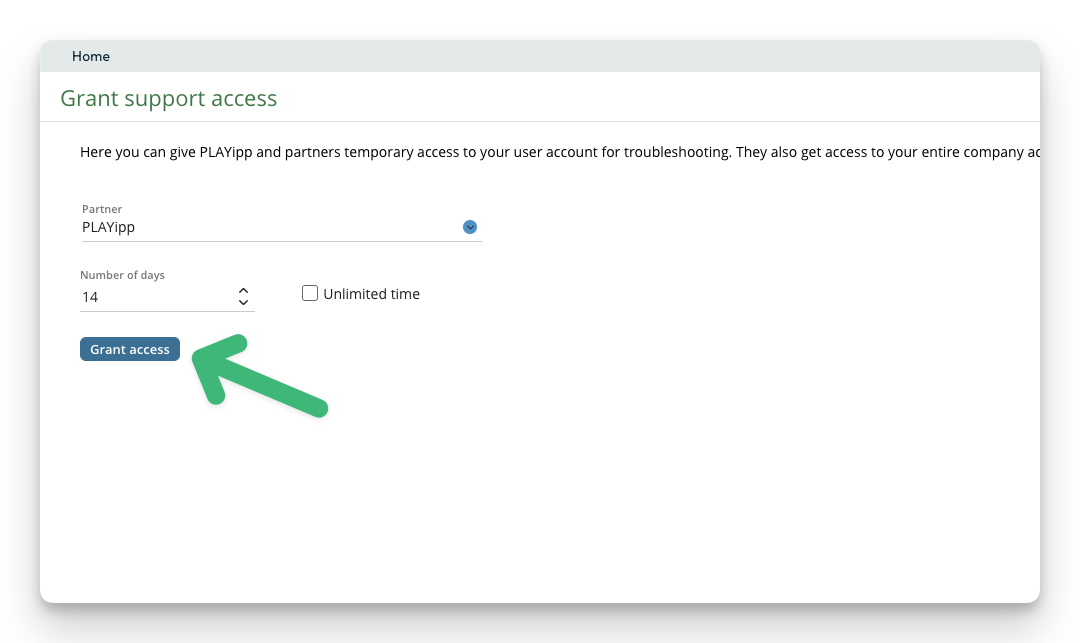
- Click grant access