Ical is one of several sets to display one or more calendars on a screen. We have integrations with Google's and Microsoft's calendars. You can see how to set them up here:
Google: Google Calendar
Microsoft: Microsoft Calendar
If you have an Ical link and want to load and display it on a screen, follow these steps:
Note: The images in this guide show an older version of PLAYipp with the previous main menu. Read more about the new main menu in this article.
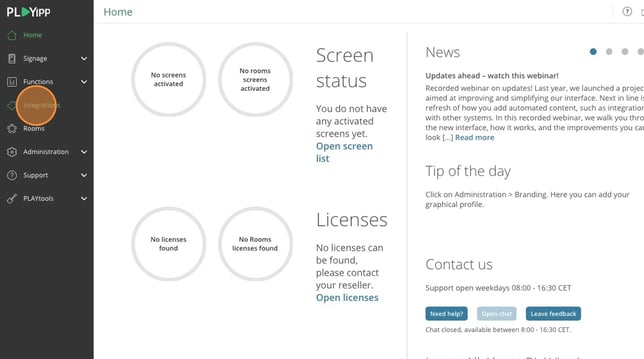
- Click on integrations
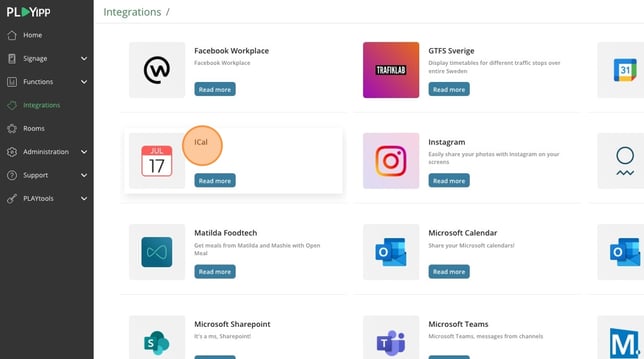
- Click on Ical
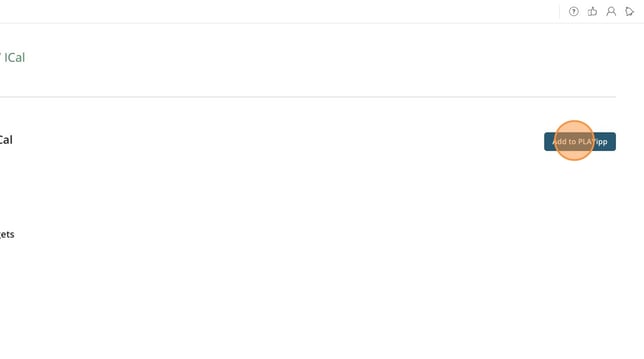
- Click add to PLAYipp
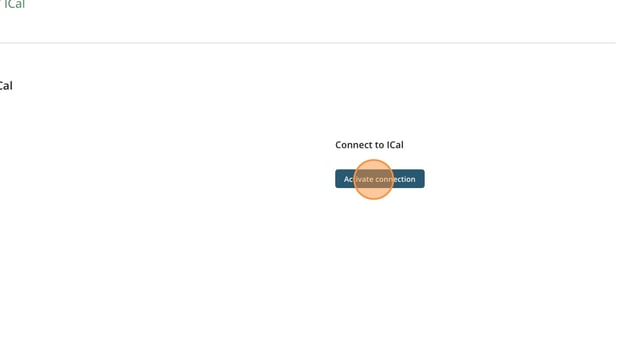
- Click on Activate connection
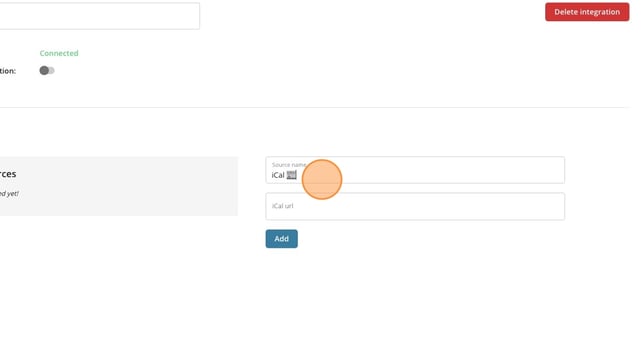
- Give your source a name, This can be the name of the calendar or similar
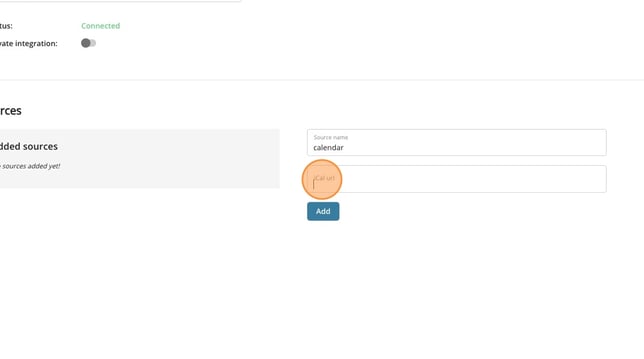
- Paste your ical link here
- Click add
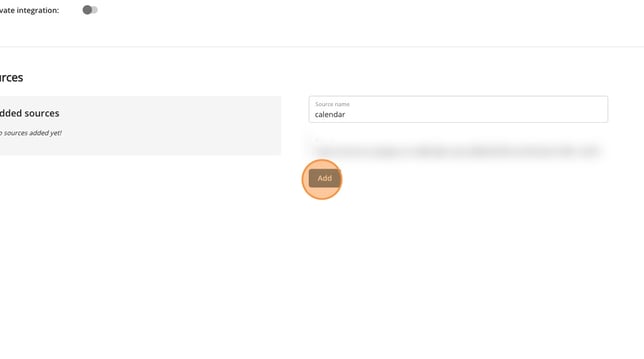
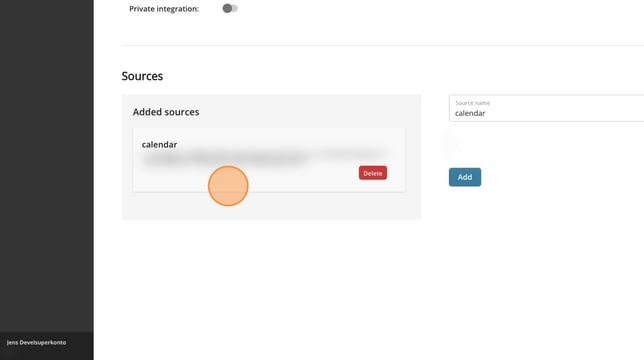
- Now there is a source that you can use in an event widget. You can read more about how to add event widgets here: How to add a event widget