
Choose to install the screen with either only the remote control or you can also connect a keyboard for faster writing.
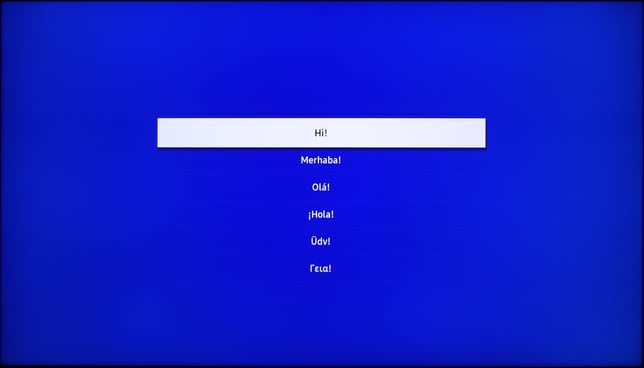
- Choose language
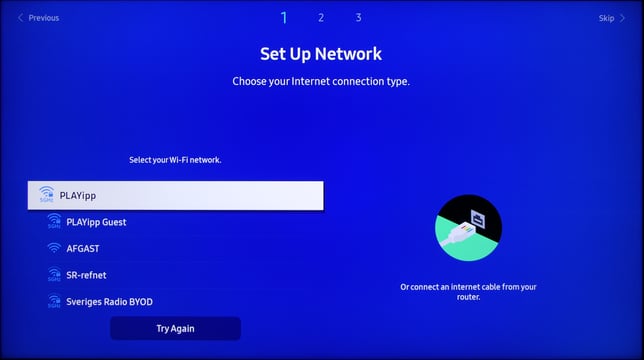
- Set up internet connection
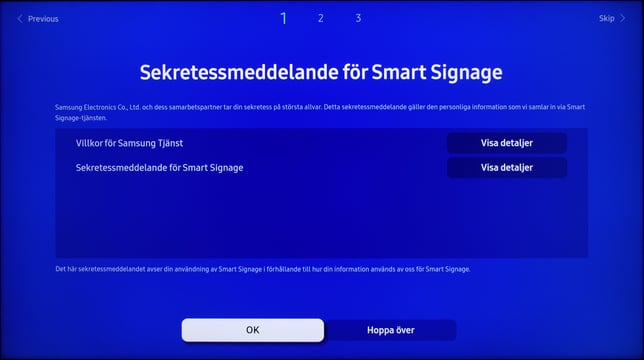
- Accept terms and conditions
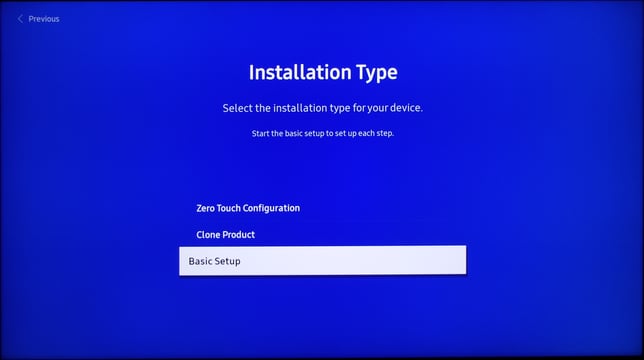
- Choose basic setup
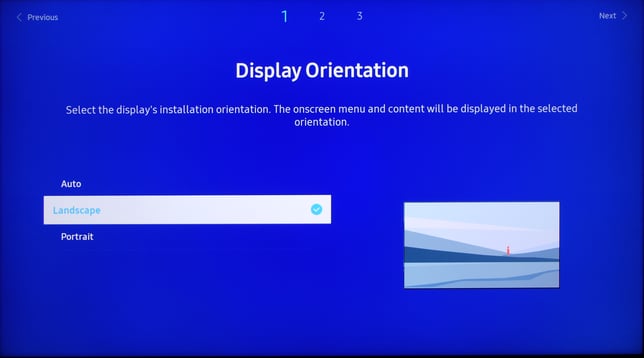
- Choose the orientation of your display
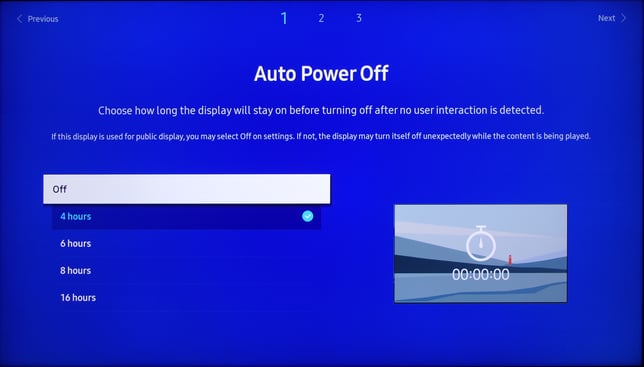
- Set auto power setting to off.
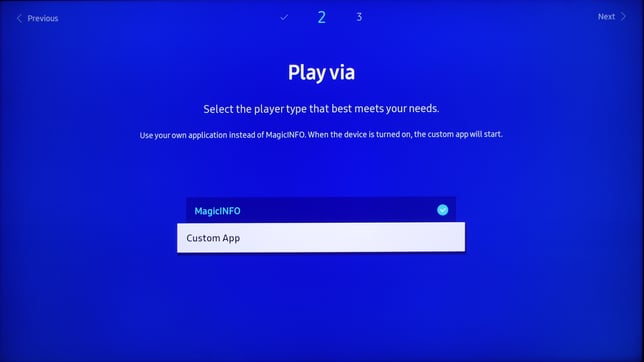
- Choose play via custom app
- Enter "https://samsung.playipp.com"
NOTE: Only lowercase letters!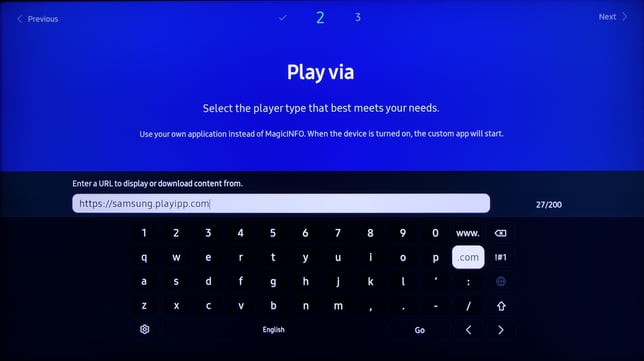
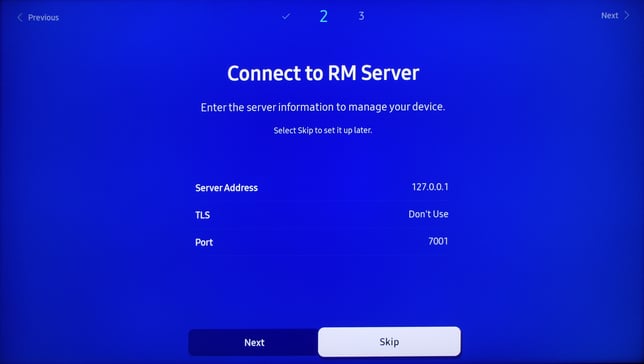
- Skip the RM server setup
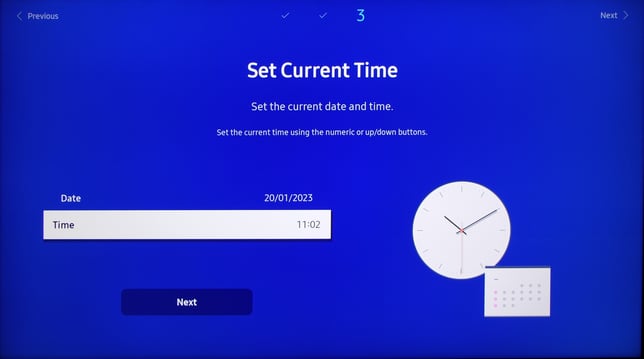
- Set current time
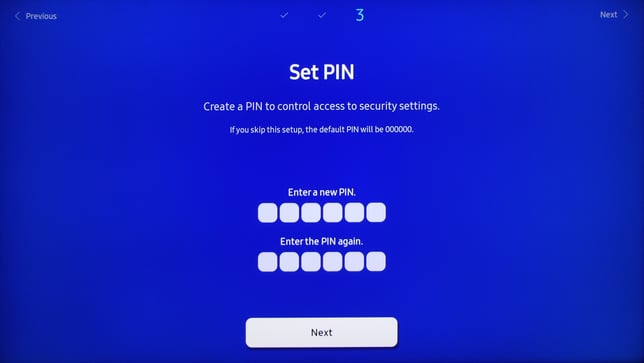
- Set a pin or skip
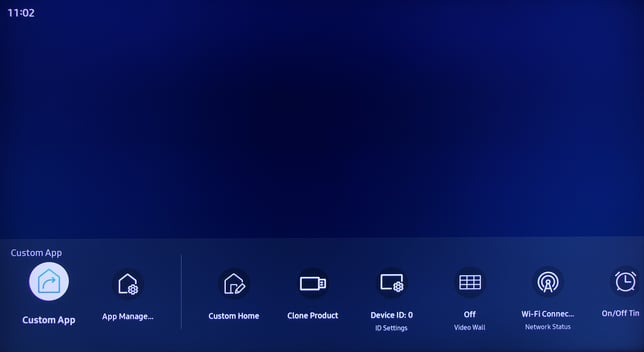
- Start custom app
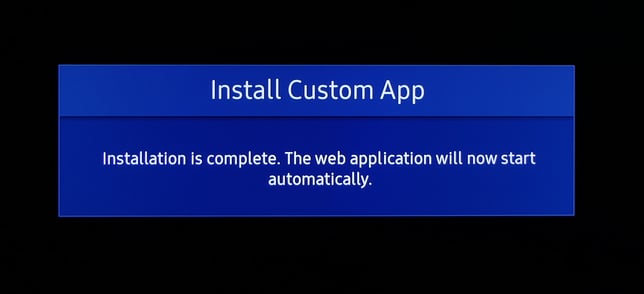
- PLAYipp app will now install and start automaticly
When the software has started the activation code will be displayed on the screen.
Read the article about Activate signage screen for instructions on how to activate the media player.