
Kilkaya can be used without an integration on PLAYipp screens. You will need to create a link from Kilkaya which you then post as a web link in playipp.
Start by creating this link. you see how to do it here:
When you have a weblink you need to add it as a weblink to a playlist. To add it follow these steps:
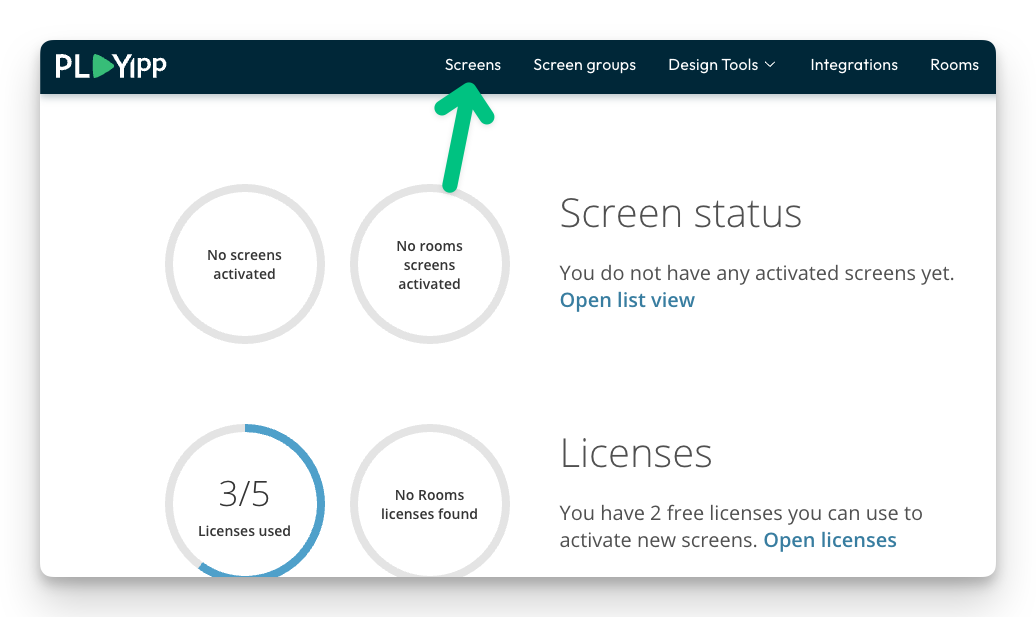
- Click Screens In the main menu
- Click on the screen or group where you want to publish to. In this example, we select the screen called Entré.
If you want to publish to a group, you instead select Screen groups in the main menu.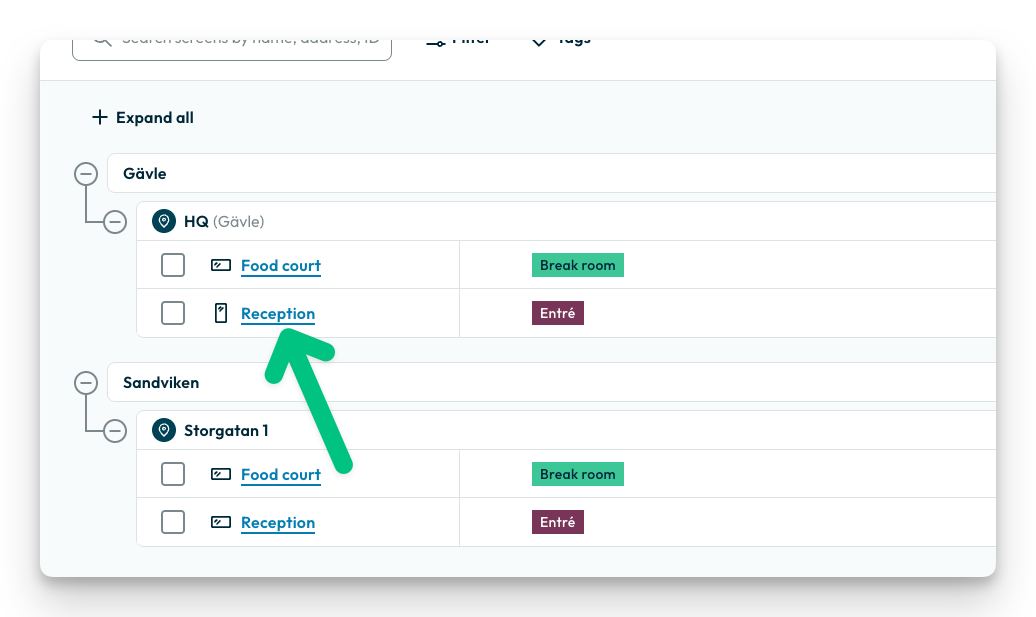
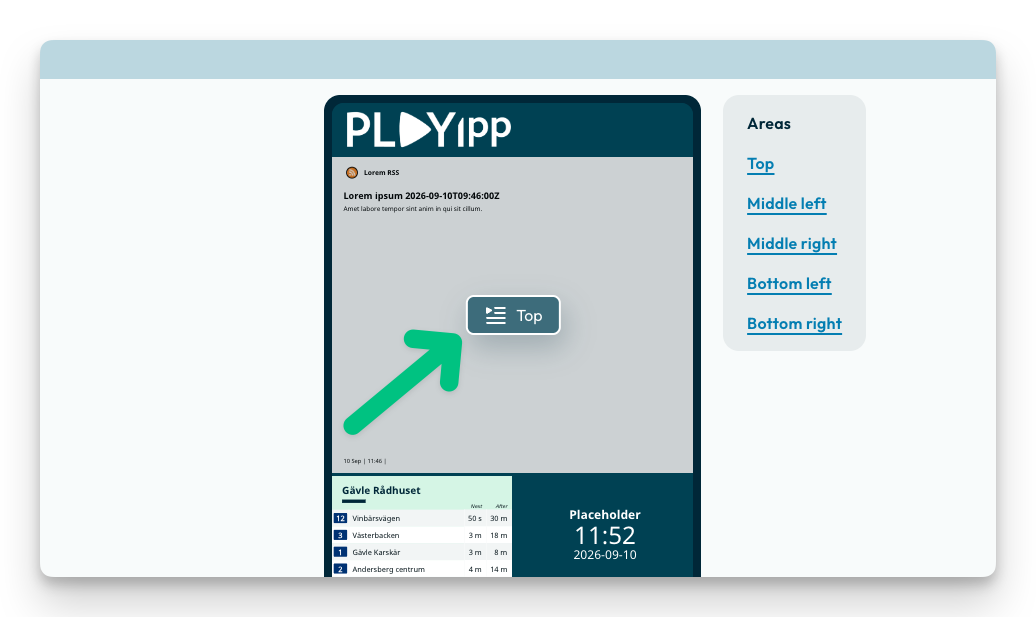
- Click on the area you want to show publish to.
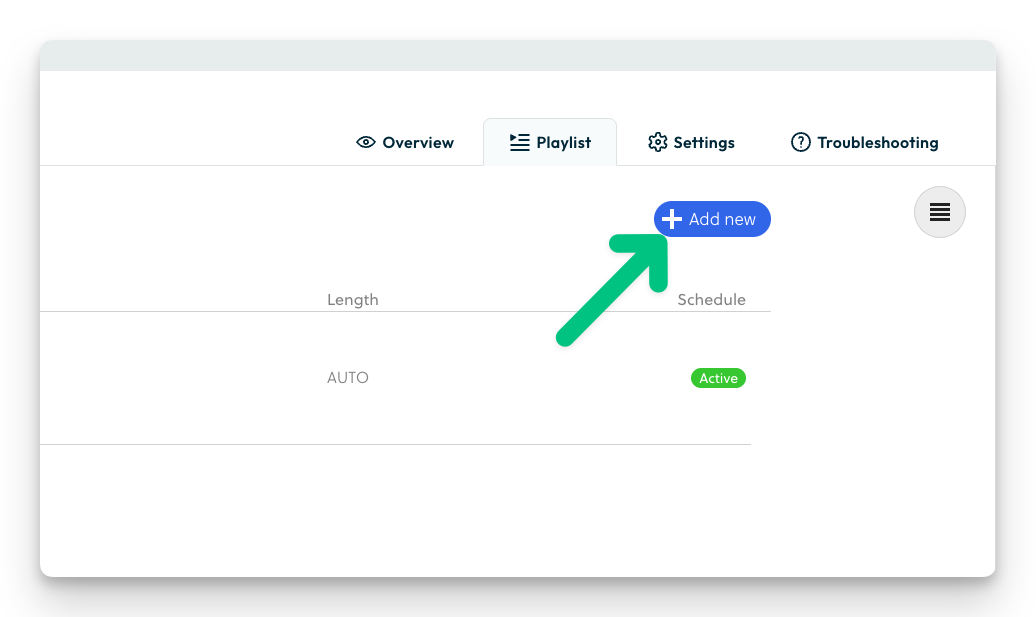
- Click "Add new"
- Click "Upload"
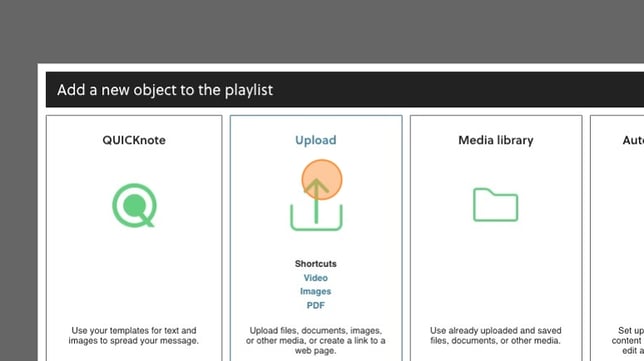
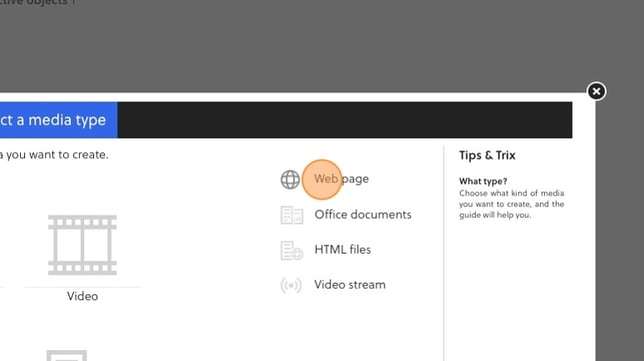
- Click "Webpage"
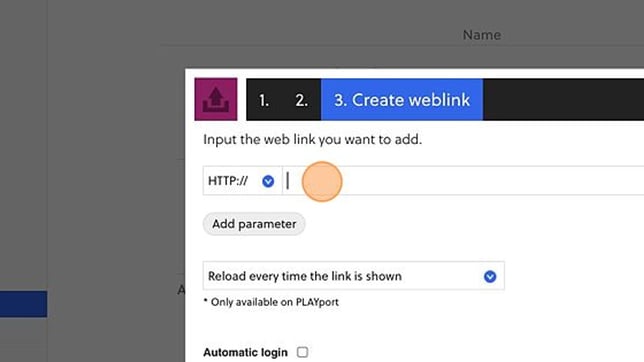
- Paste the link from Kilkaya here.
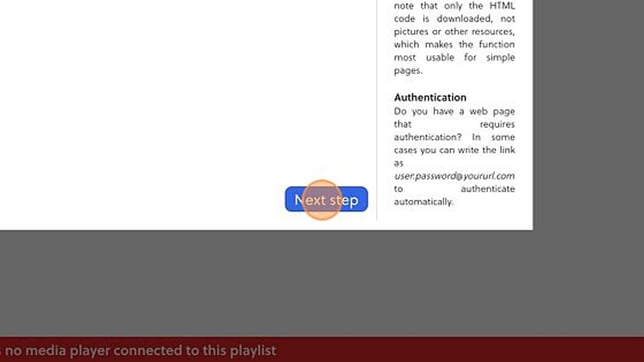
- Click "Next step"
- Here you can give the link a name so it makes it easier to identify the link
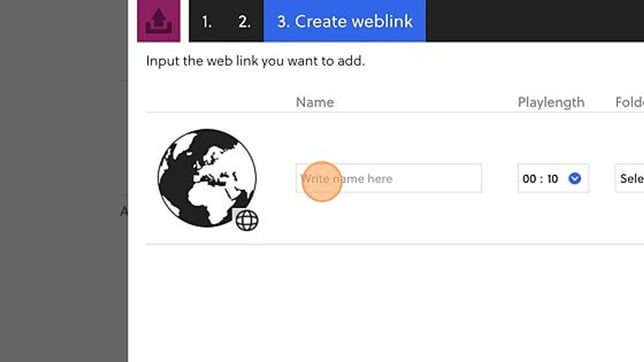
- Click here to set the playlength that you want the link to show in the playlist
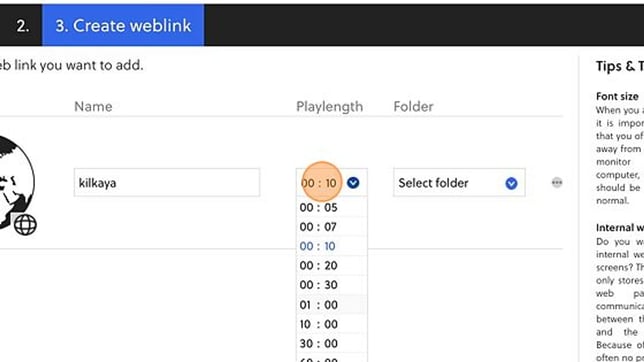
- Choose a folder to save the link to
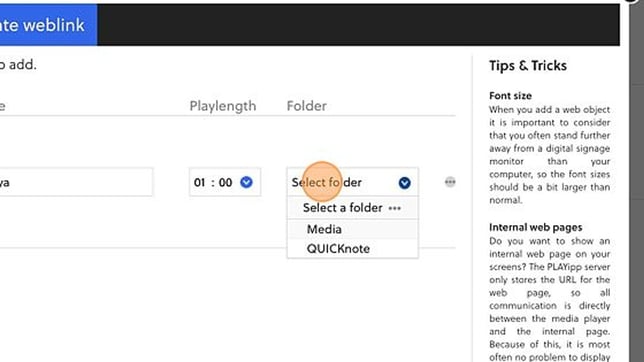
- Click "Next step"

- Choose if you want to schedule your link or if you want it to always show. You can read more how you schedule content here: Scheduling
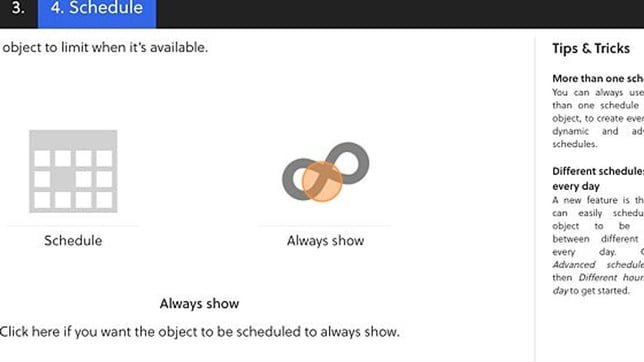
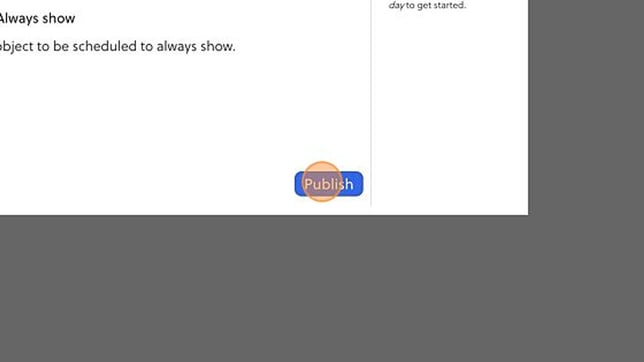
- Click "Publish"
The link is now published on your screen and will start showing soon.