
Sometimes you may need to reset a two-factor authentication. This can only be done for your colleagues, not on your own user. If for some reason you can't access your authenticator app, someone with access to your account will need to reset it in time.
To restore an authentication, follow these steps:
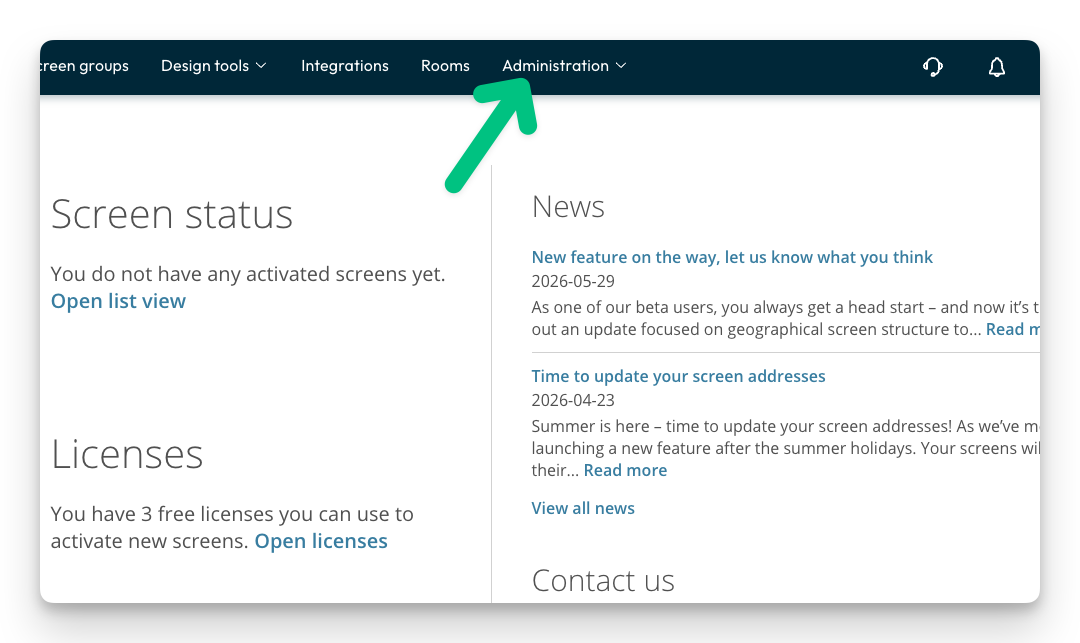
- Click on Administration.
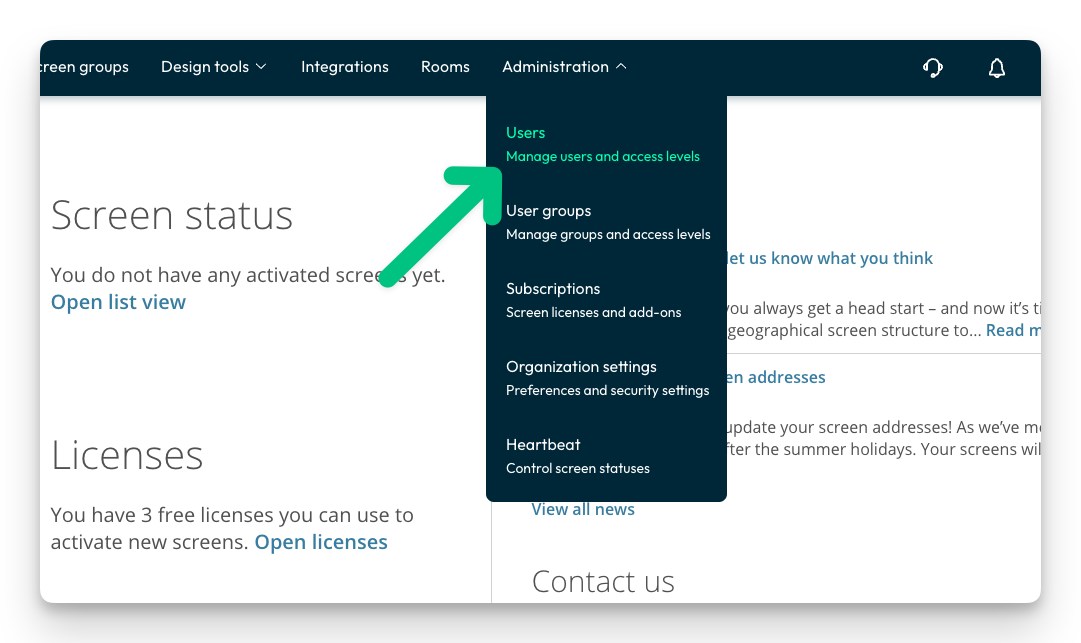
- Click "User accounts"
- Click the context button to the right.
-ENG.png?width=670&height=374&name=Reset%20Two-Factor%20Authentication%20on%20Playipp%20Sign(2)-ENG.png)
- Click Reset 2FA
-ENG.png?width=644&height=359&name=Reset%20Two-Factor%20Authentication%20on%20Playipp%20Sign(1)-ENG.png)
- Click Reset 2FA
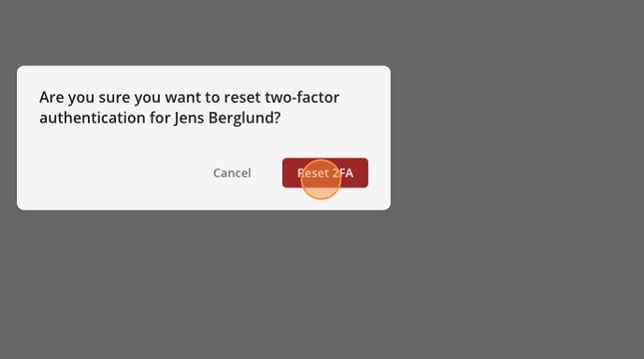
Two-factor authentication is now restored. The next time this user logs in, they must add it again.