
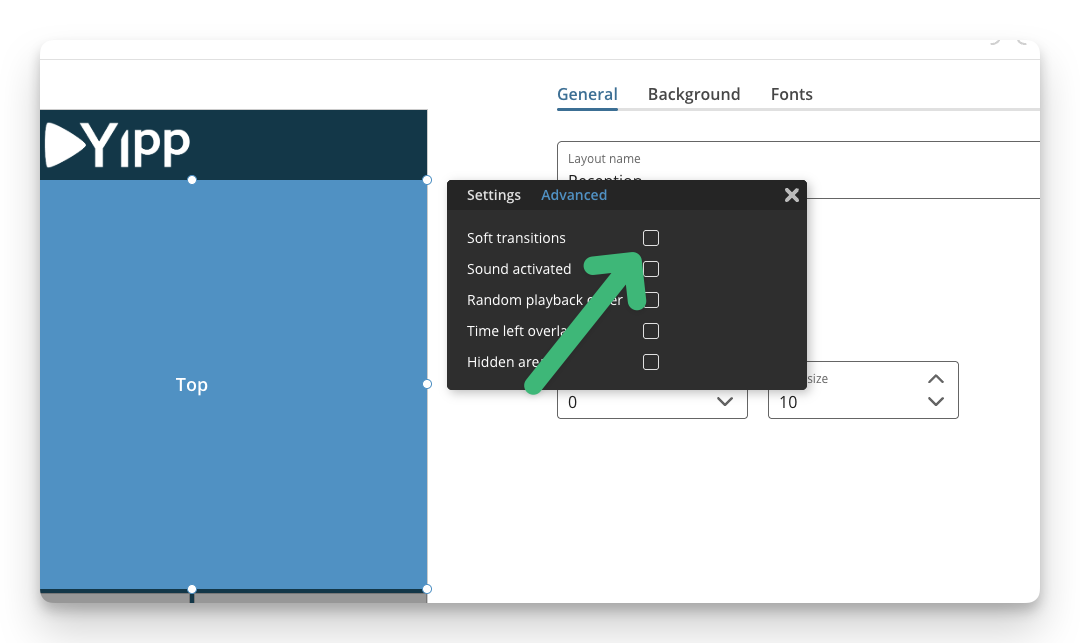
If you want a Soft transition between your objects, you can activate it on your area. Then there will be a Fade In/Fade Out transition between all items in the playlist.
To enable this, follow these steps:
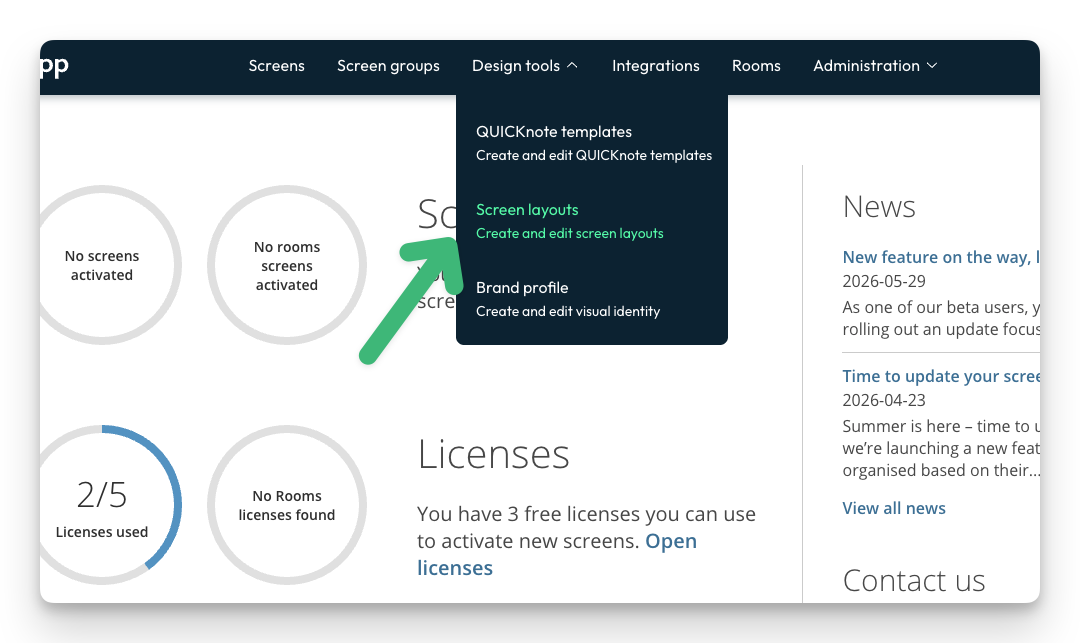
- Click Design Tools and choose Screen layouts
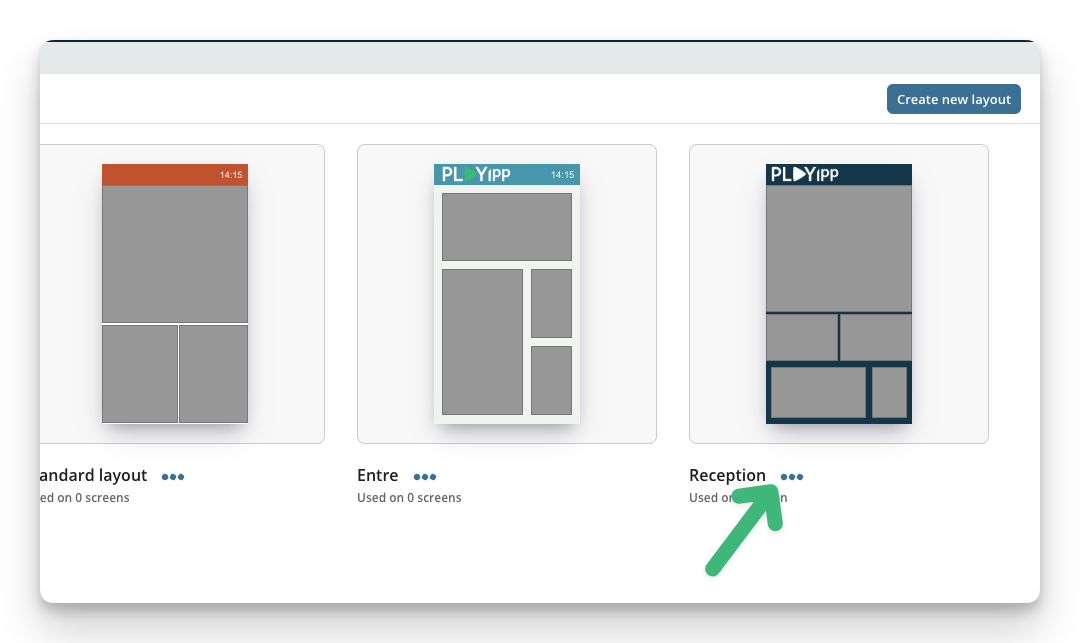
- Click the ...-button
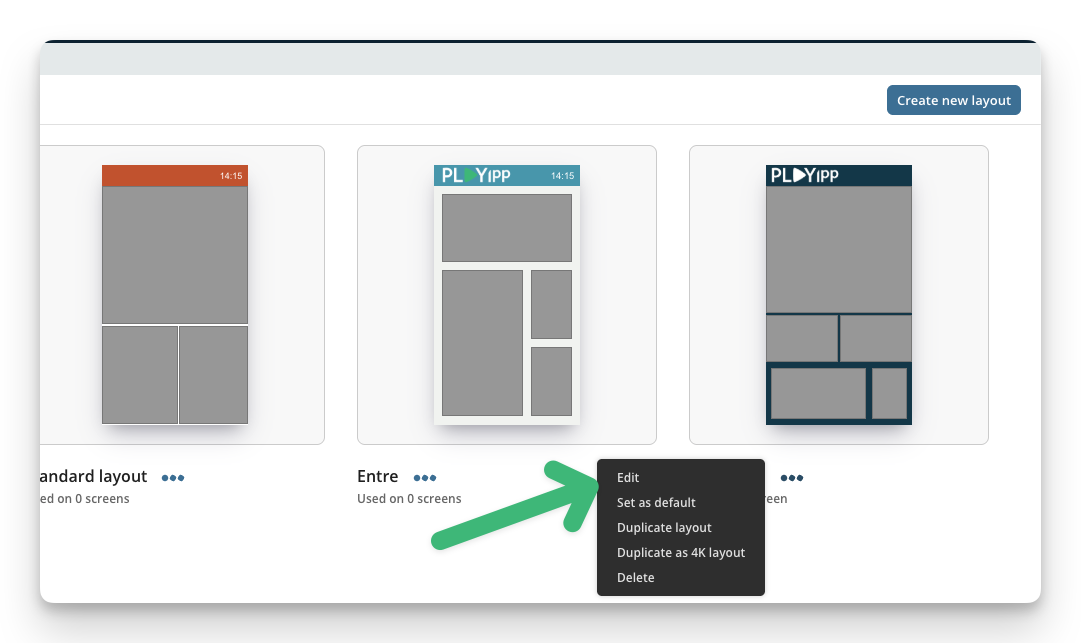
- Click the edit button.
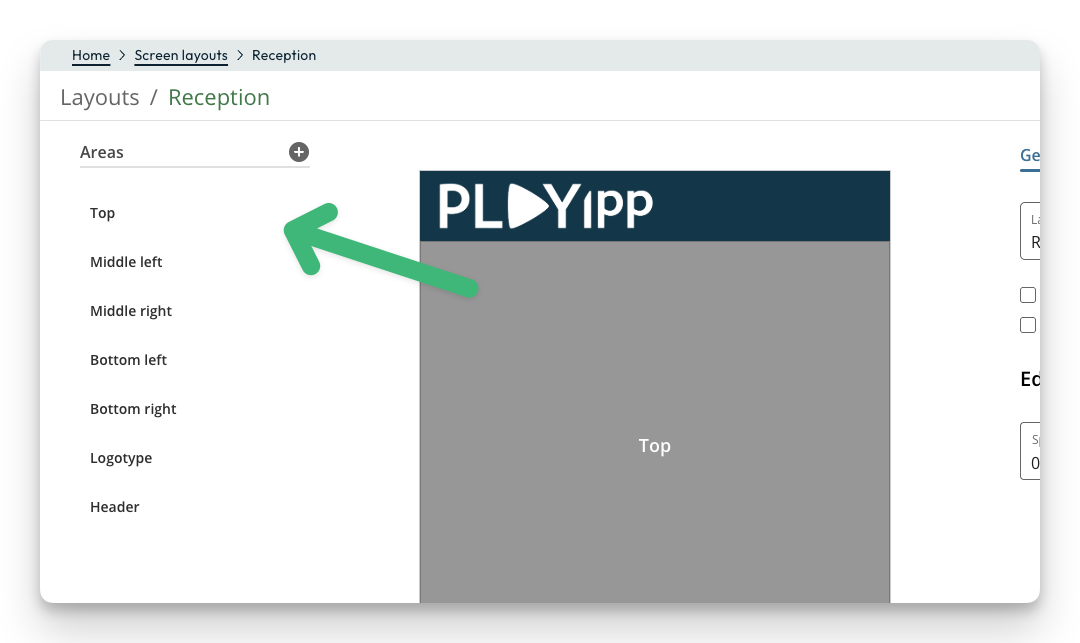
- Click on your area.
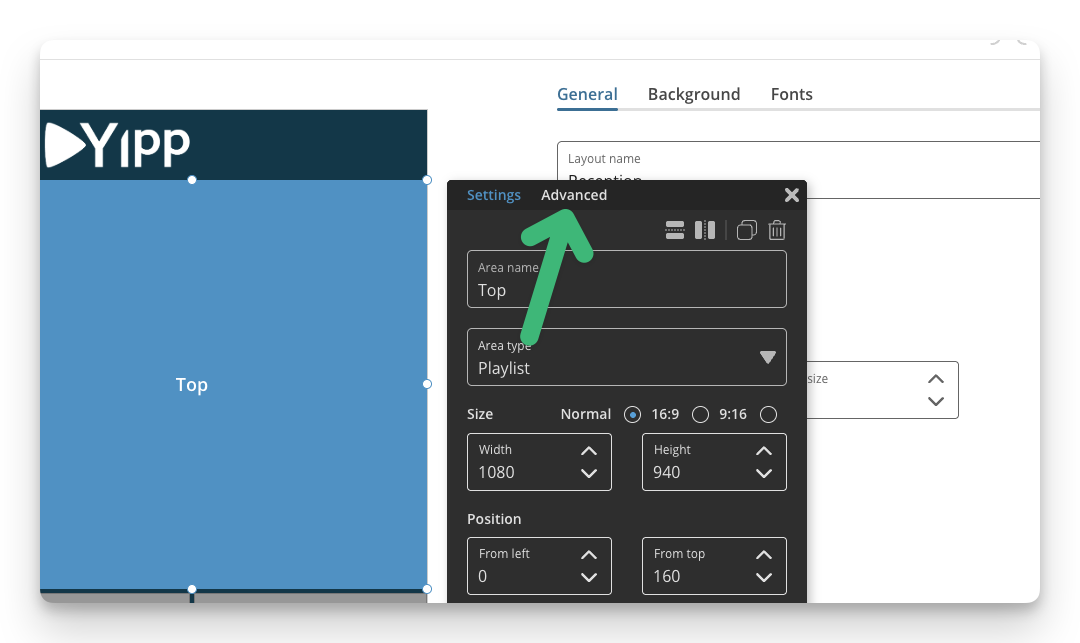
- Click "Advanced"
- Enable soft transitions.
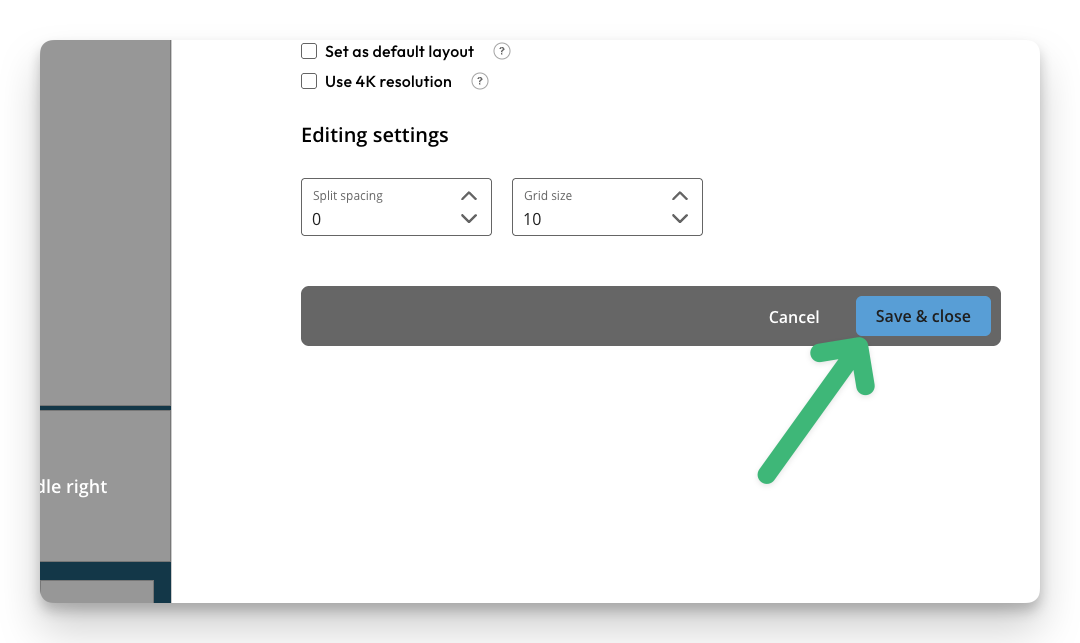
- Click "Save & close"
The player will now update the content and enable Soft transitions.