Note: The images in this guide show an older version of PLAYipp with the previous main menu. Read more about the new main menu in this article.
With an integration with the Church of Sweden's calendars, you can display a calendar with events from the Church of Sweden's calendar on your screens.
To add an integration and post it on your screen. Follow these steps:
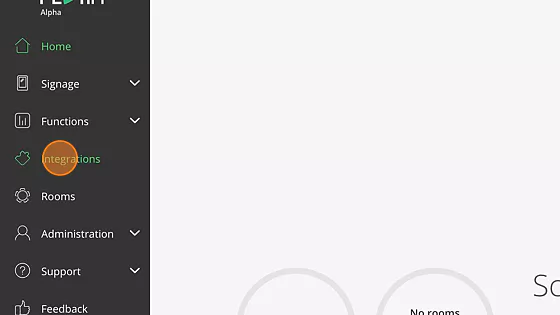
- Click "Integrations"
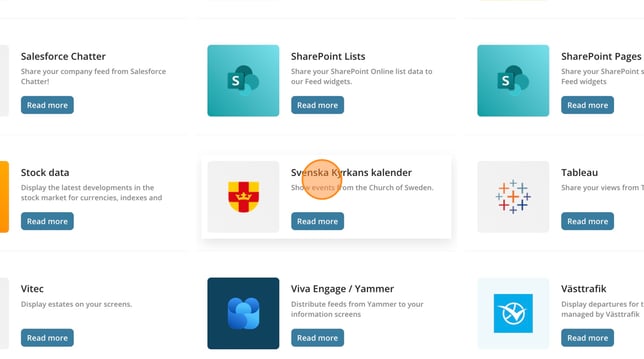
- Click "Svenska Kyrkans kalender"
- Click "Add to PLAYipp"
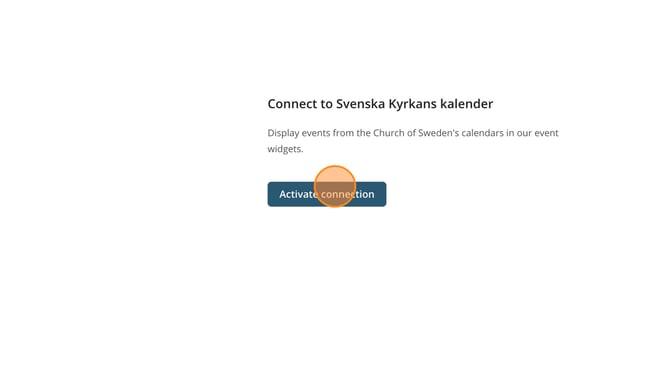
- Click "Activate connection"
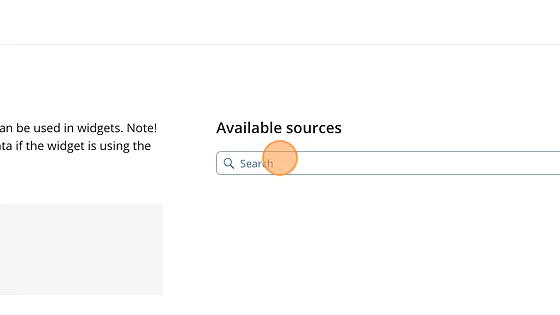
- Search for your church or parish.
- Click "Add source"
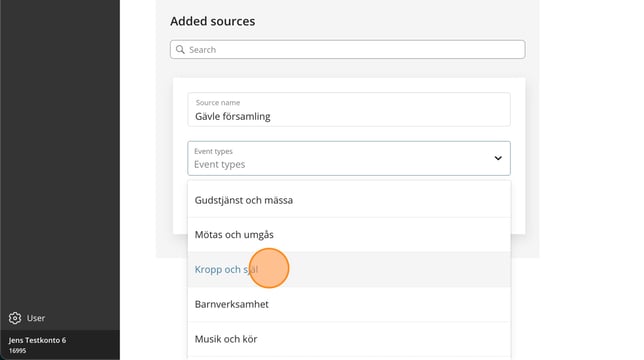
- If you want to filter to just one type of event, do it here.
If you do not filter, all types will be displayed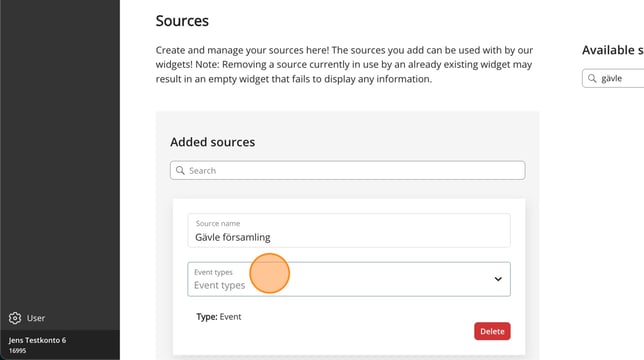
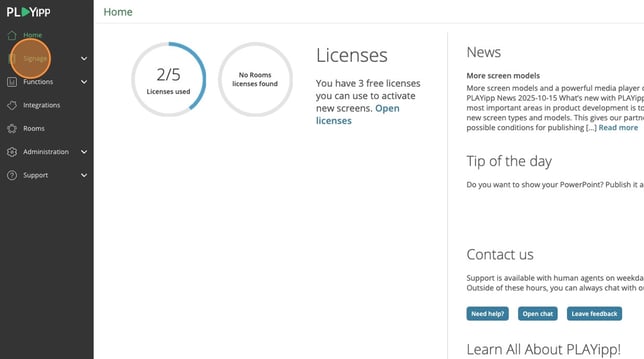
- Click Signage In the main menu
- Click on the screen or group where you want to publish to.
In this example, we select the screen called Entré. If you want to publish to a group, you instead select Screen groups in the main menu.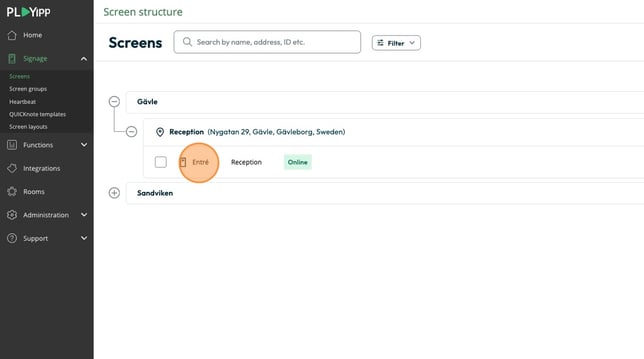
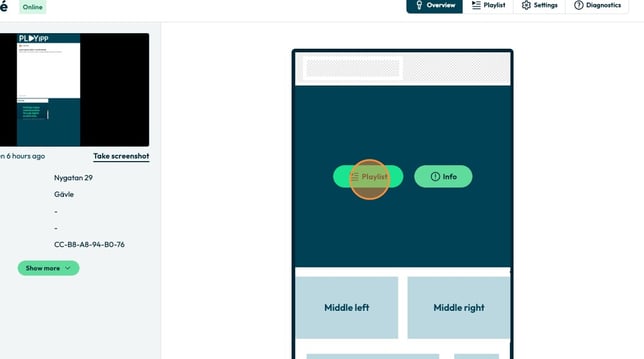
- Click the playlist button in the area you want to publish to
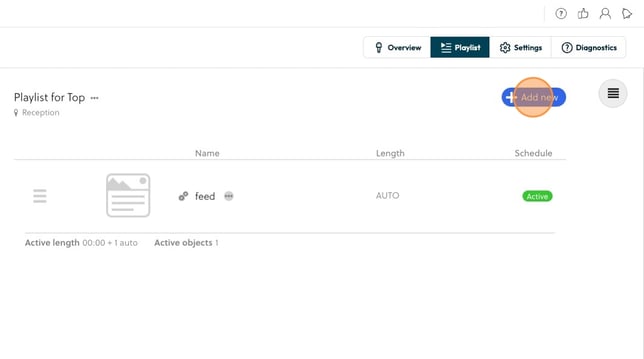
- Click "Add new"
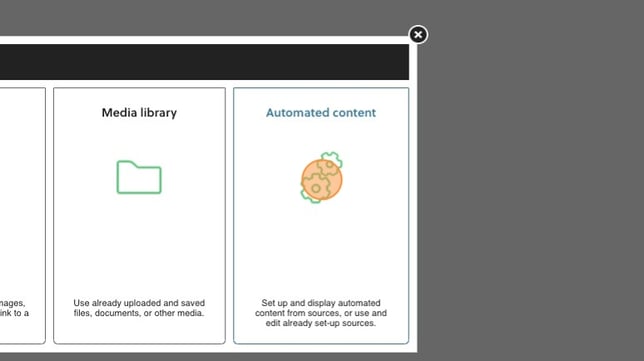
- Click “Automated content”
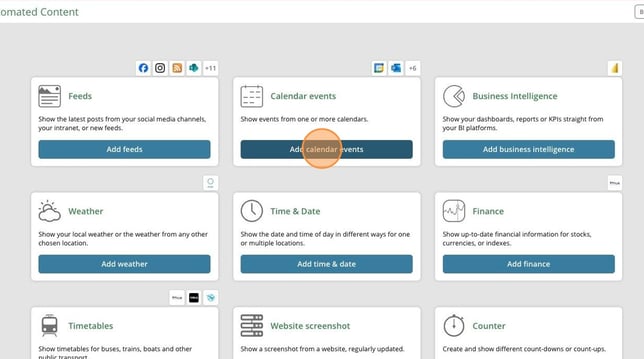
- Click Add calendar events
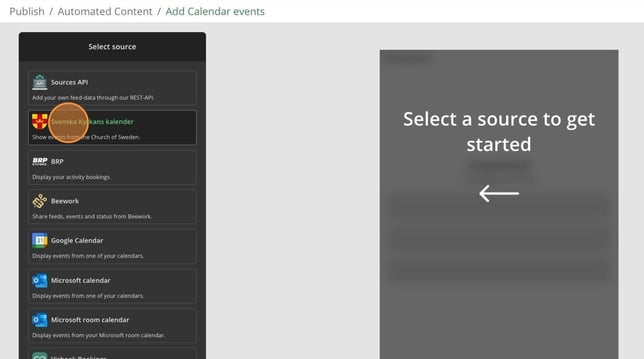
- Click "Svenska kyrkans kalender"
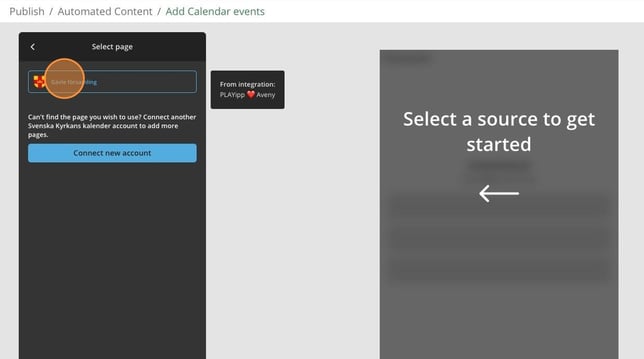
- Click on the calendar you want to display
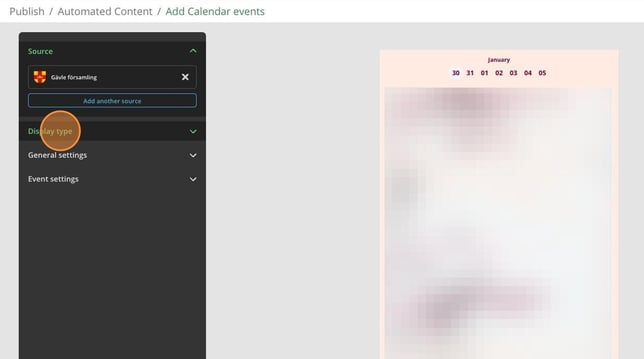
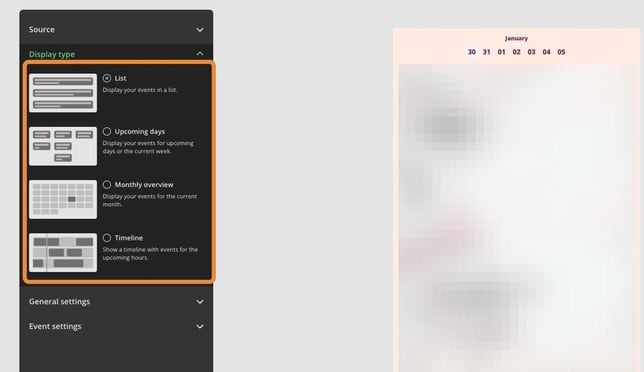
- To change the display type, you click on display type and click on the display type you want to change to
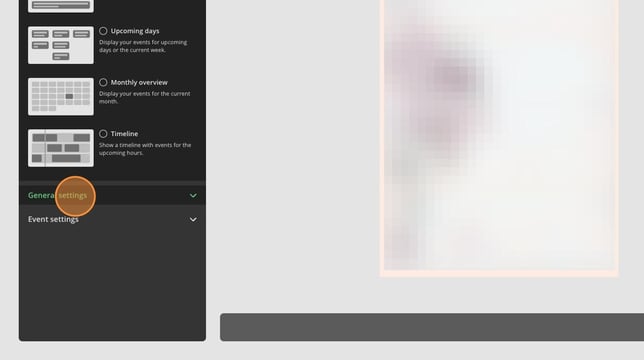
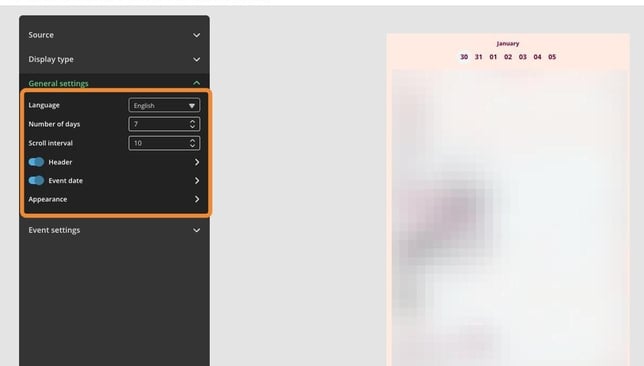
- To change general settings, click on it to expand the settings.
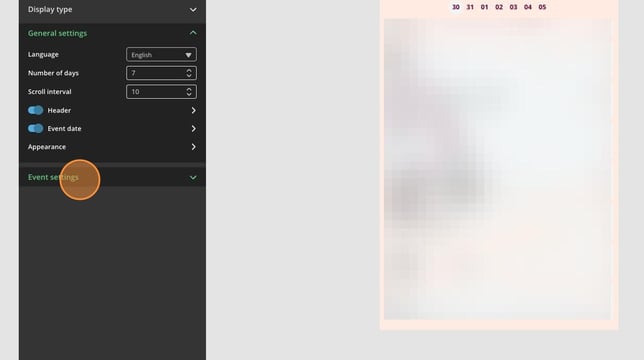
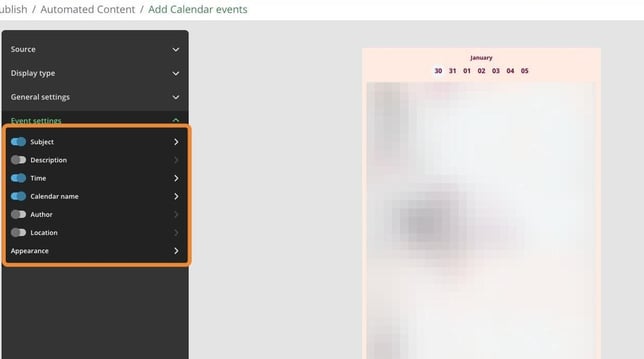
- To change event settings, click on it to expand the settings.
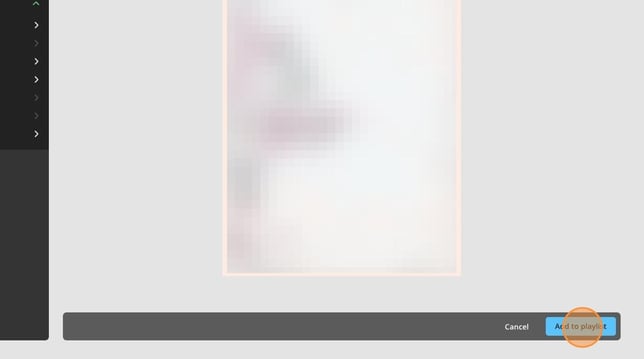
- Click on Add to playlist
- Click here to change the name of the widget
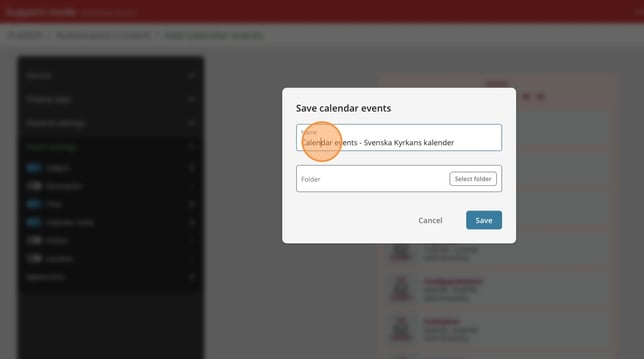
- Click here
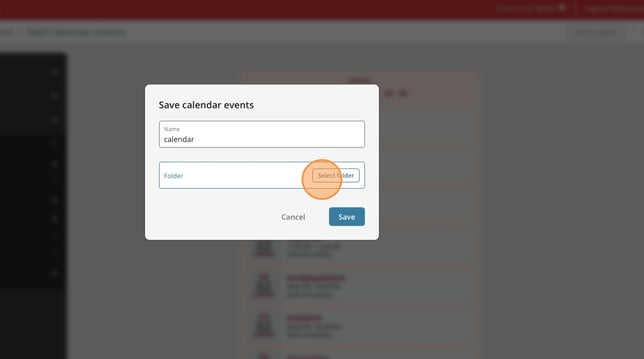
- Click here to select a folder to save the widget to
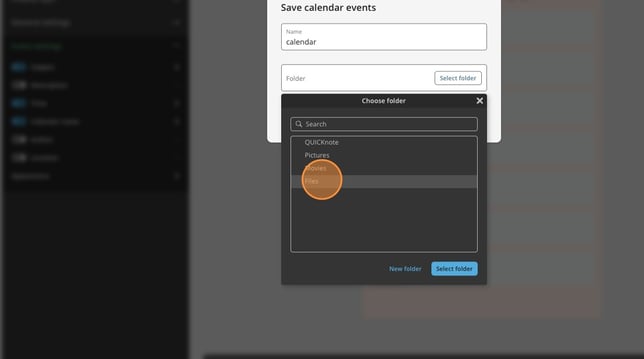
- Click select folder
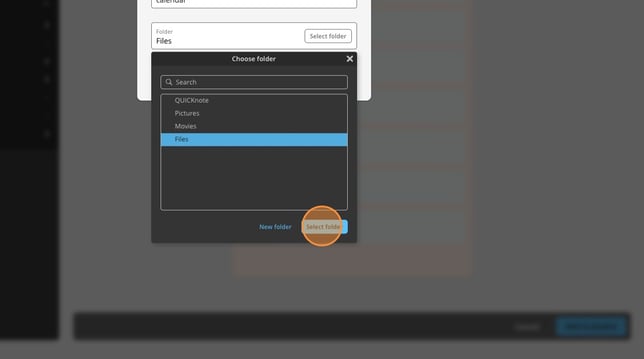
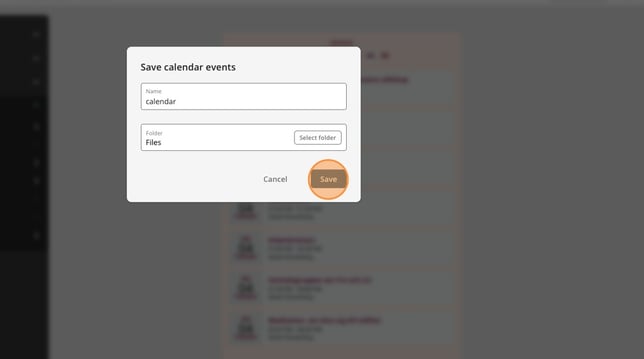
- Click save