
Sound is disabled on all areas in a screen layout by default. Follow the steps below to activate sound on a specific area.
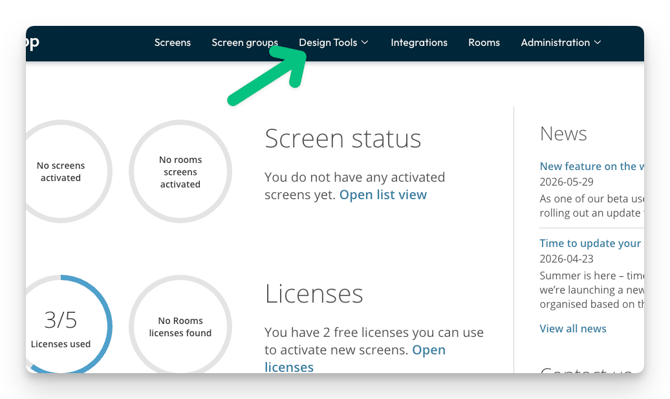
- Select Design tools in the main menu
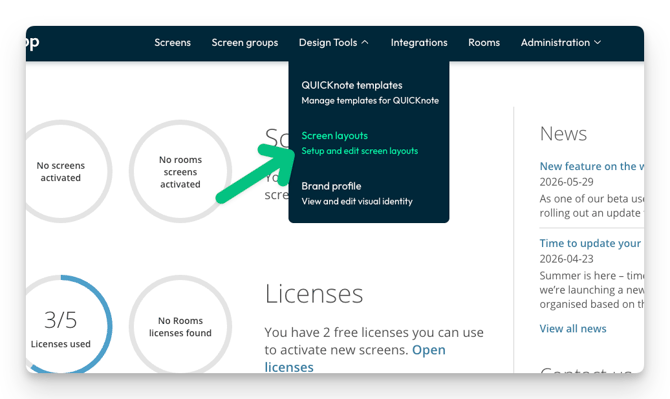
- Click Screen layouts
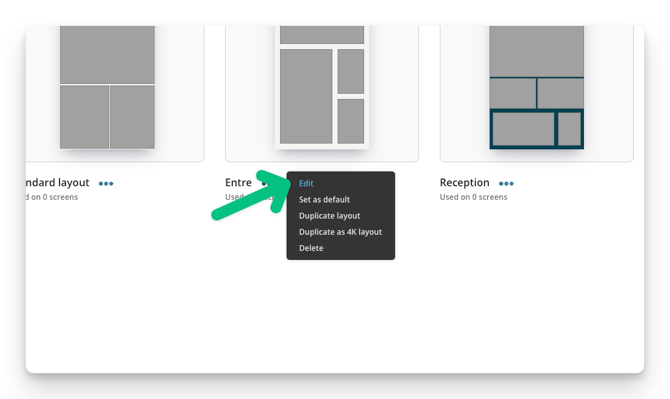
- Find the layout you want to change and click Edit.
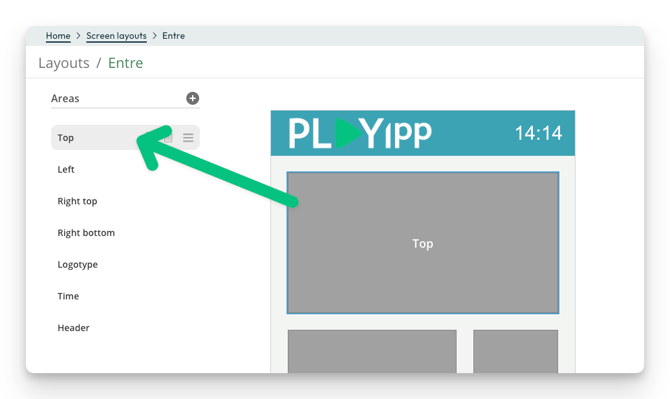
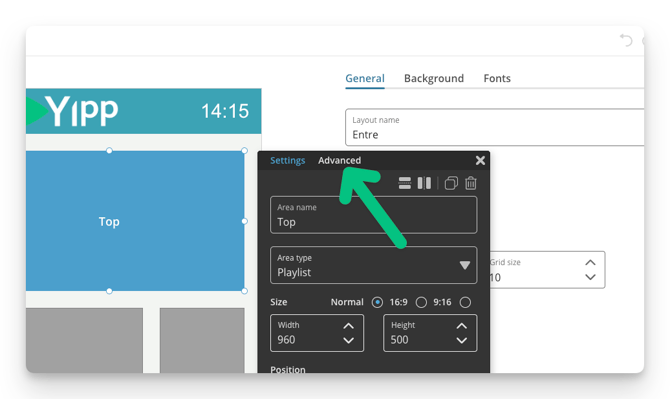
- Click the area where you want to activate the sound
- Click advanced
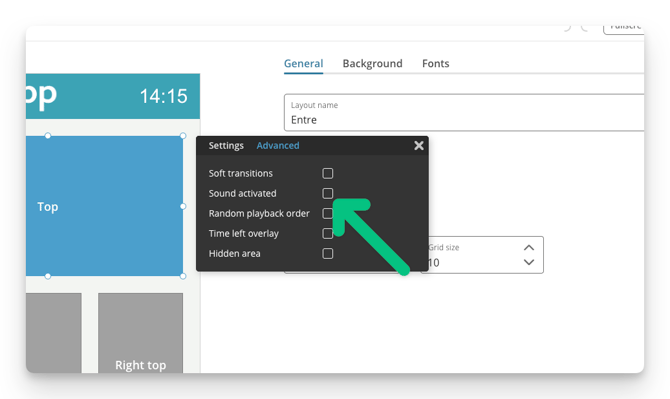
- Tick the box for Sound activated
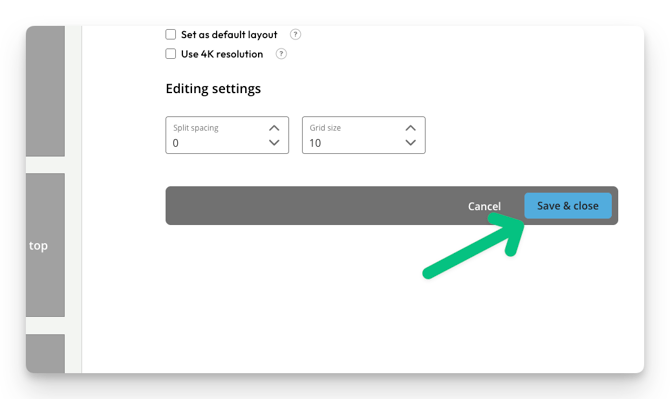
- Click save and close
Note
Remember to turn the volume up on the screen and also check that the screen has built in speakers. Some screens also have a button on the side of the screen to mute the sound.