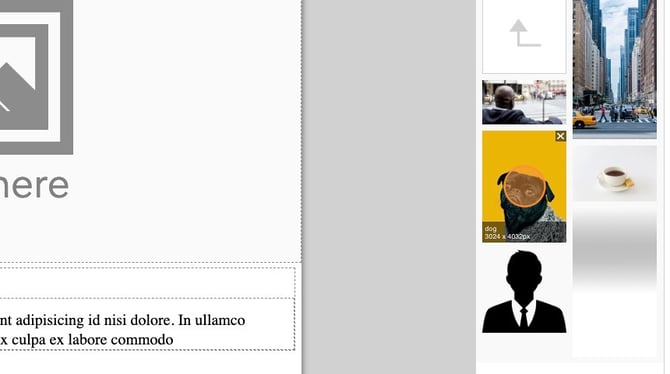
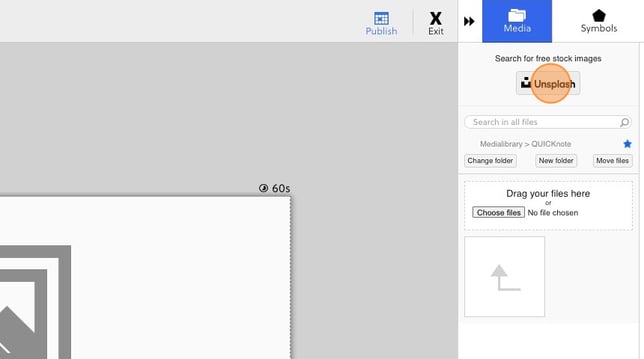
With Unsplash you can add stock photos from unsplash into a QUICKnote. To be able to add pictures from unsplash you need to have the user rights to upload pictures.
To add a picture from unsplash you follow these steps:
- Click here
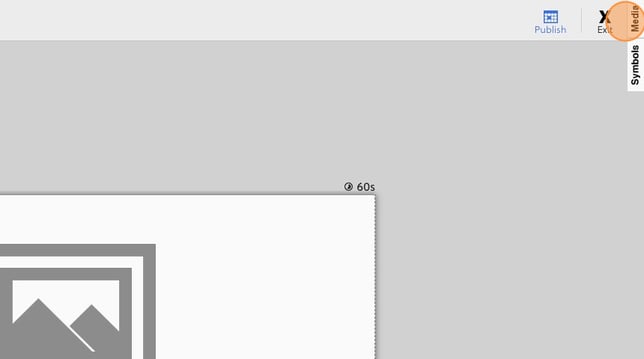
- Click here
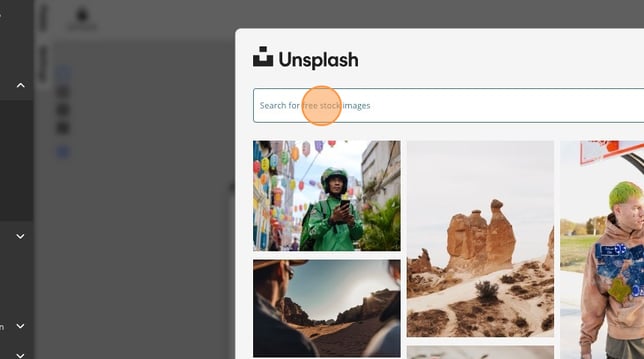
- A modal will appear at the top of the modal you can search for pictures
- Once you have found a picture you hover click select

- Click here and give the picture a name
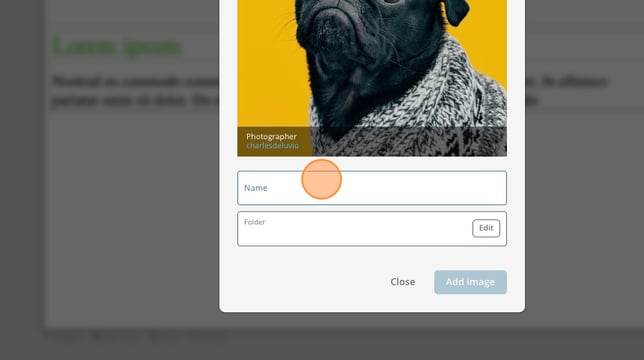
- Click here and choose a folder to save the picture to
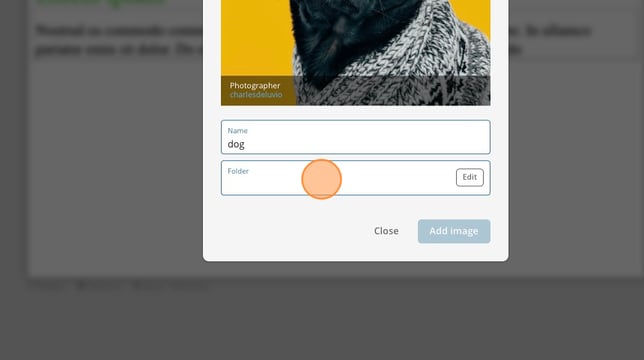
- Click add image
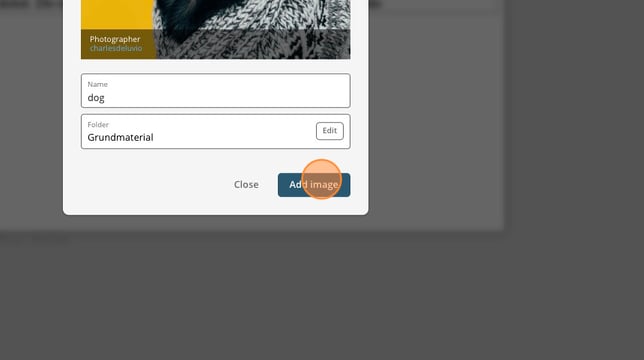
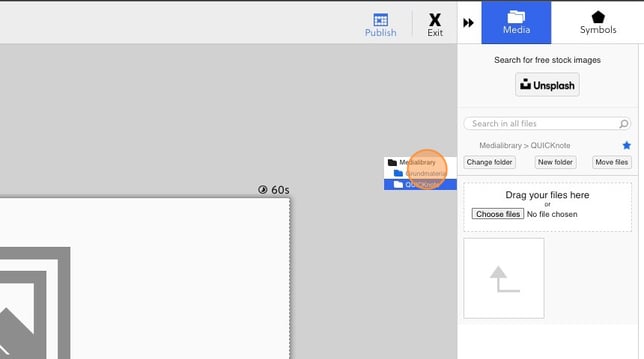
- Now you can navigate to the folder we saved the picture to
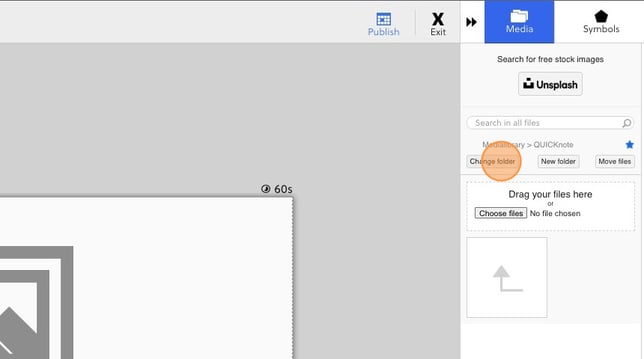
- in my this case we saved to a folder called grundmaterial
- And here our picture is. You can now use it as any other picture that you have uploaded.