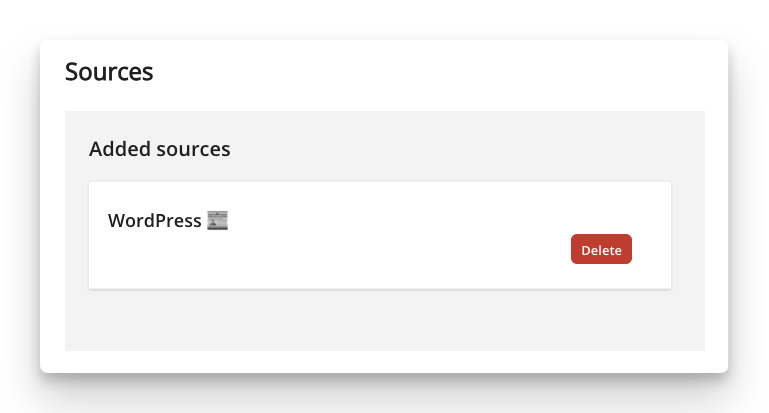
Through an integration with WordPress, you can display pages and posts from your self-hosted WordPress sites. To add an integration to wordpress, follow these steps:
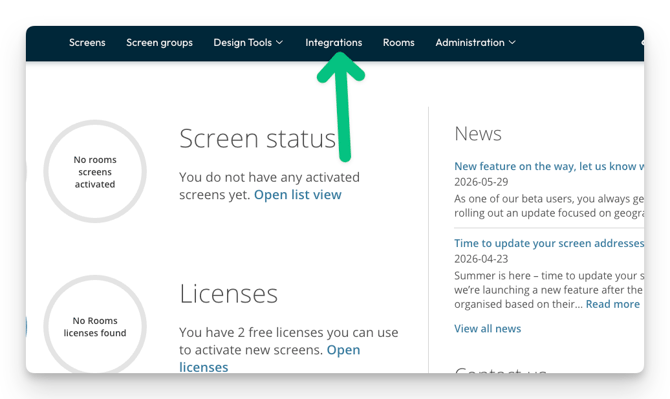
- Click on integrations
- Click wordpress
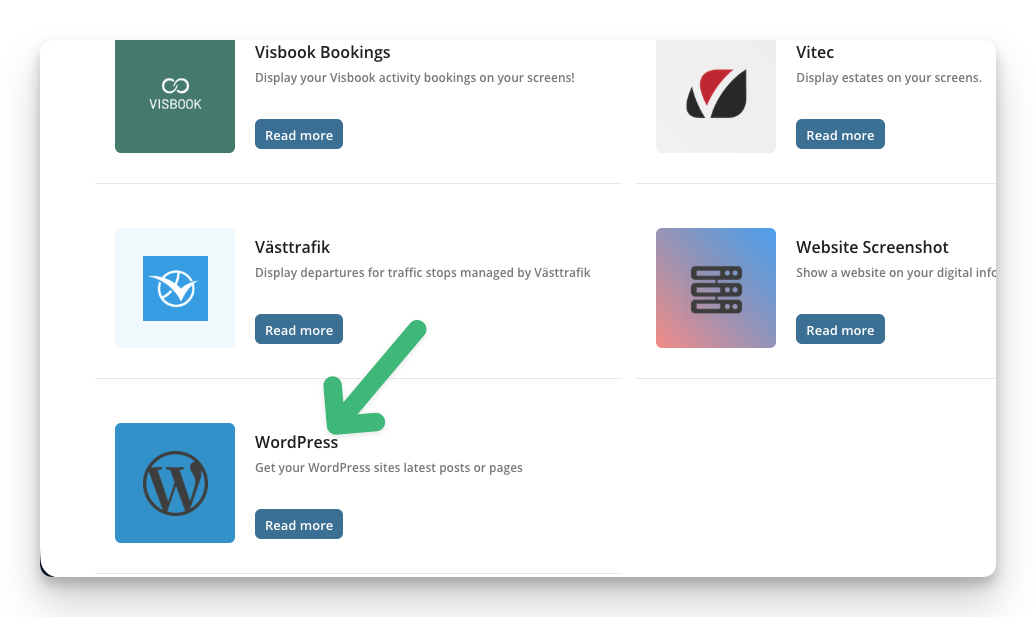
- Click add to PLAYipp

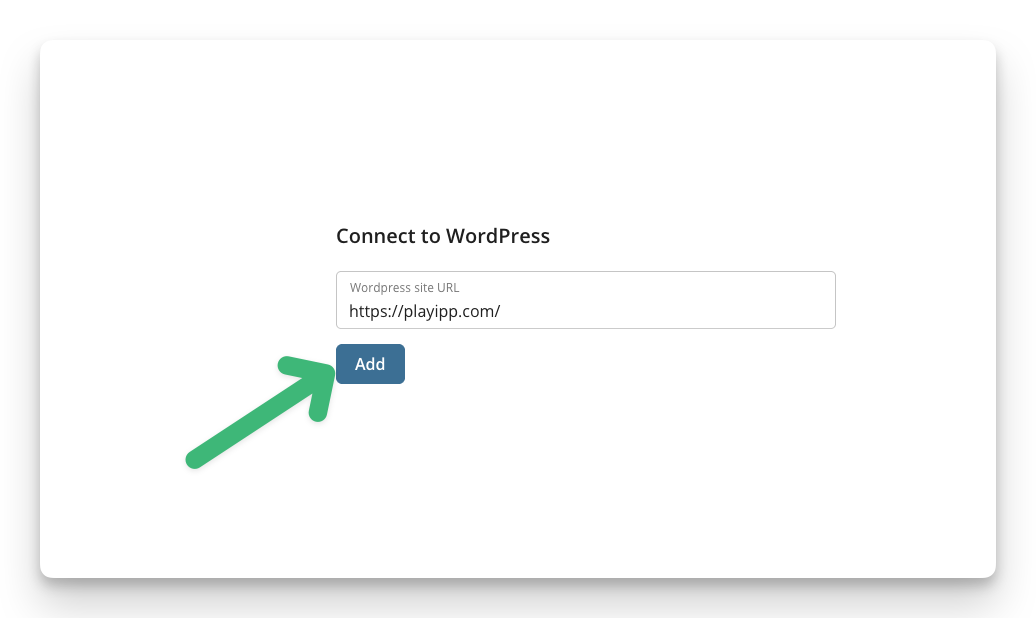
- Paste the URL to the page you want to retrieve information from
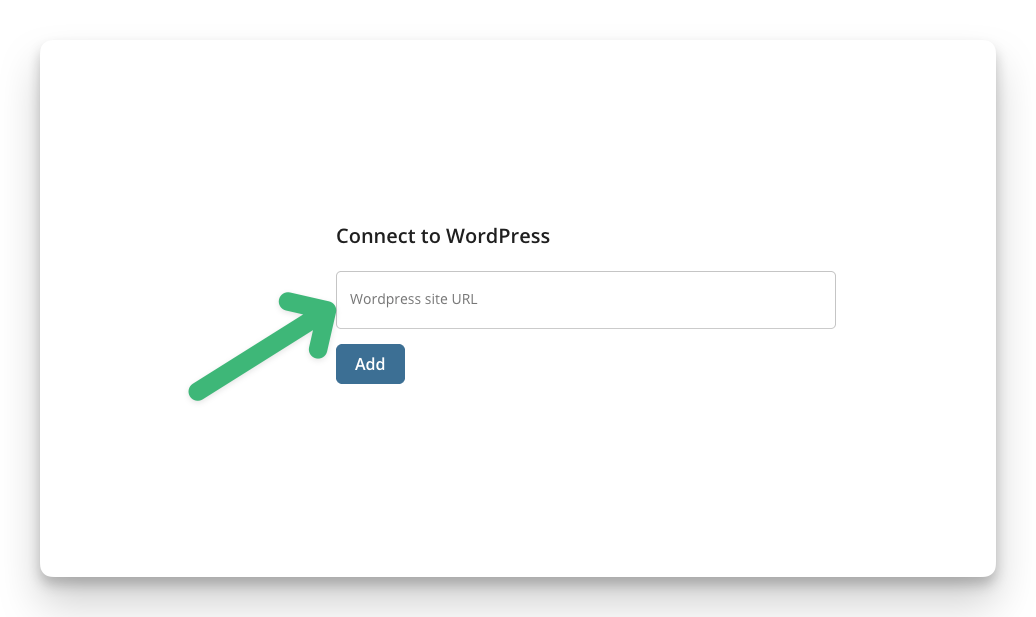
- Click add
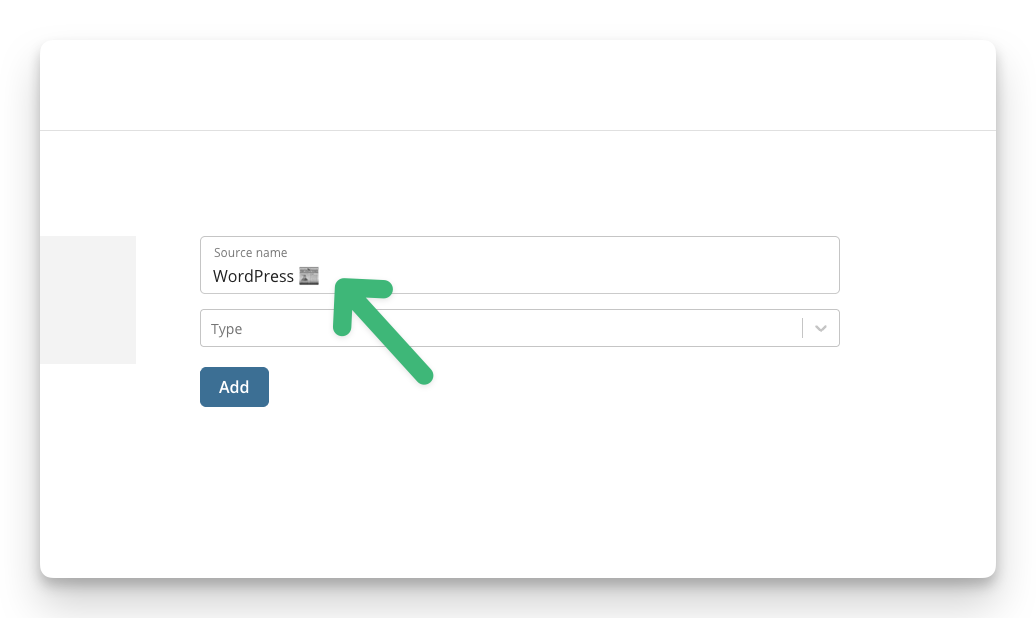
- Here you can change the name of the source if you wish.
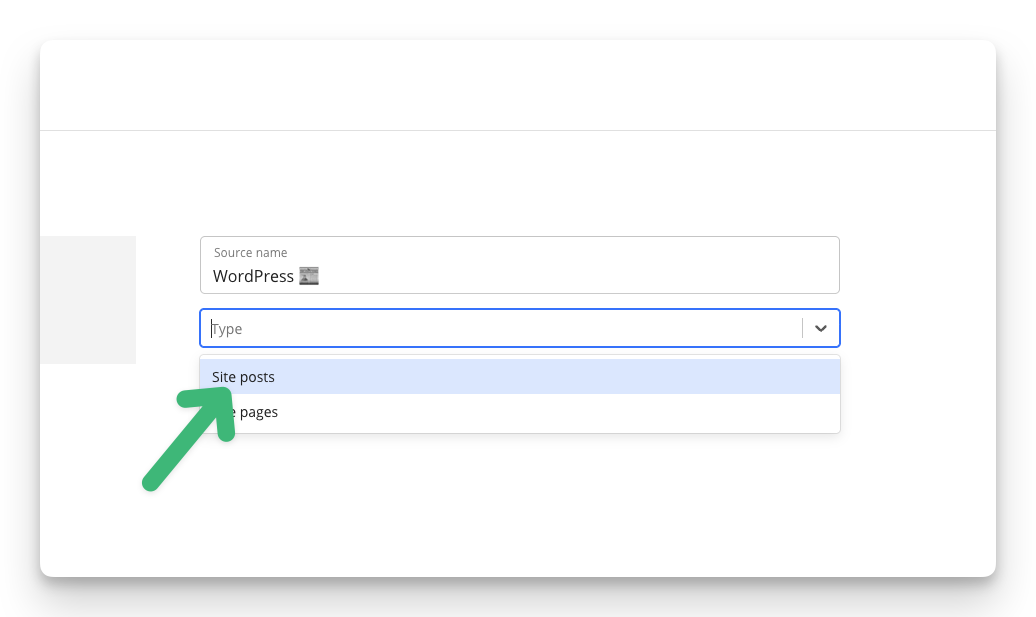
- Choose whether it is posts or pages.
- Click add
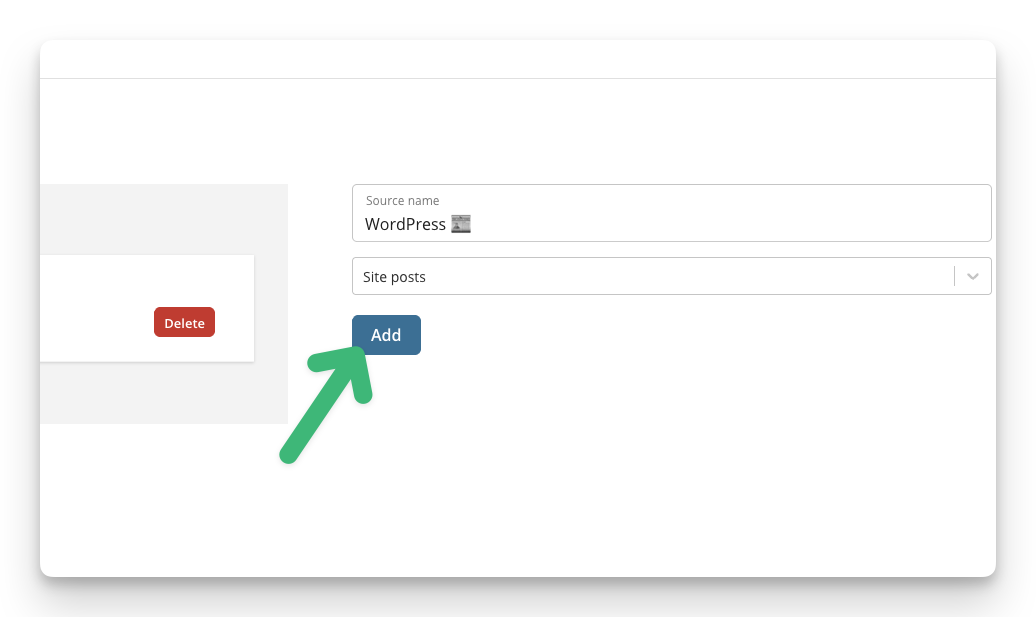
- Now you have a source that you can use in a widget. To display your source on a screen, follow this guide: How to add a feed widget